Top 12 Tools for Analytics for Instagram Free in 2025
Find the best analytics for Instagram free. Our 2025 guide reviews 12 top tools to track your metrics, followers, and engagement without any cost.
Growing your Instagram account without data is like driving in a new city without a map. You might reach your destination, but you will waste time and resources. To make good decisions, you need to track what content connects, when your audience is active, and how your profile grows. This requires reliable analytics. You do not need an expensive subscription to start. Many tools offer solid analytics for Instagram free, giving you the essential data to improve your strategy.
This guide details the best free platforms. We go beyond simple descriptions to give you a clear view of each tool's practical uses. You will find a detailed breakdown of features, specific uses for marketers and founders, and an honest assessment of limits. Each entry includes screenshots to show you the interface and direct links so you can start tracking your performance. Use this resource to compare your options and select the right tool to measure your Instagram marketing. Finding the right platform will help you understand your audience better and create content that produces real results for your business.
1. Instagram Insights (Professional Dashboard)
Your first stop for free Instagram analytics should be the platform's native tool, Instagram Insights. Located in the Professional Dashboard, this is the official source of performance data for your account. Access requires you to switch your personal profile to a free Business or Creator account. You can do this in your account settings.
Instagram Insights gives you the most accurate and detailed first-party data. It excels at delivering specific metrics for Reels, Stories, and in-app engagement that third-party tools cannot always access. You get essential information directly from the source. This ensures you have a precise baseline for your performance analysis.
Key Features & Use Cases
- Content Performance: Track core metrics like reach, impressions, and accounts engaged for individual posts, Stories, and Reels. This helps you identify which content formats work best with your audience.
- Audience Demographics: Understand your follower base with data on top locations, age ranges, and gender. You can also see when your audience is most active. This helps you schedule posts for maximum visibility.
- Competitive Insights: A newer feature lets you compare your performance against up to 10 competitor accounts. It offers valuable context for your growth and engagement rates.
Pros & Cons
Website: https://www.instagram.com
2. Meta Business Suite
For a more complete, desktop-friendly view of your Instagram analytics, Meta Business Suite is the next logical tool. It is a free platform that combines management for both your Instagram and Facebook profiles. It allows you to analyze performance and manage content from a single dashboard. This is essential for anyone who manages multiple Meta properties and prefers working on a computer.
Meta Business Suite stands out by centralizing your efforts. Instead of switching between apps, you get a combined view of cross-platform performance, a unified inbox, and a basic content scheduler. It is an ideal free solution for getting high-level summaries and exporting data without needing a separate subscription service.
Key Features & Use Cases
- Unified Reporting: View account, content, and audience insights for Instagram and Facebook side by side. This helps you understand how content performs on each platform and identify your most engaged audience segments.
- Data Exports: Filter performance data by specific time ranges and export it for deeper analysis or reporting. This is great for creating custom reports or tracking long-term trends.
- Centralized Management: Access a unified inbox for messages and comments from both platforms. Schedule basic posts and Stories to streamline your community management workflow.
Pros & Cons
Website: https://business.facebook.com
3. Buffer (Free plan)
Buffer is a well-known social media scheduling platform that offers useful analytics on its free tier. It is designed for individuals, creators, and small businesses who need a simple tool to manage post scheduling and performance tracking in one unified interface. This makes it an excellent choice if you want to streamline your workflow without managing separate tools.
The platform gives you essential analytics for Instagram free of charge. It covers core performance indicators for your published content. While the free plan has limits on connected channels and scheduled posts, its clean, beginner-friendly dashboard makes it easy to understand your content's impact. It focuses on presenting key data points in an accessible way, which is perfect for those new to social media analytics.
Key Features & Use Cases
- Integrated Scheduling & Analytics: View performance metrics for posts you have scheduled and published through Buffer. This helps you directly connect your publishing strategy to its results without leaving the platform.
- Core Post Metrics: The free plan gives you basic data for individual posts, including reach, impressions, and engagement rates. Use this to quickly identify your top-performing content.
- Multi-Platform View: Connect up to three social channels (including Instagram) on the free plan to see a combined view of your social media efforts, saving time and effort.
Pros & Cons
Website: https://buffer.com/pricing
4. Metricool (Free plan)
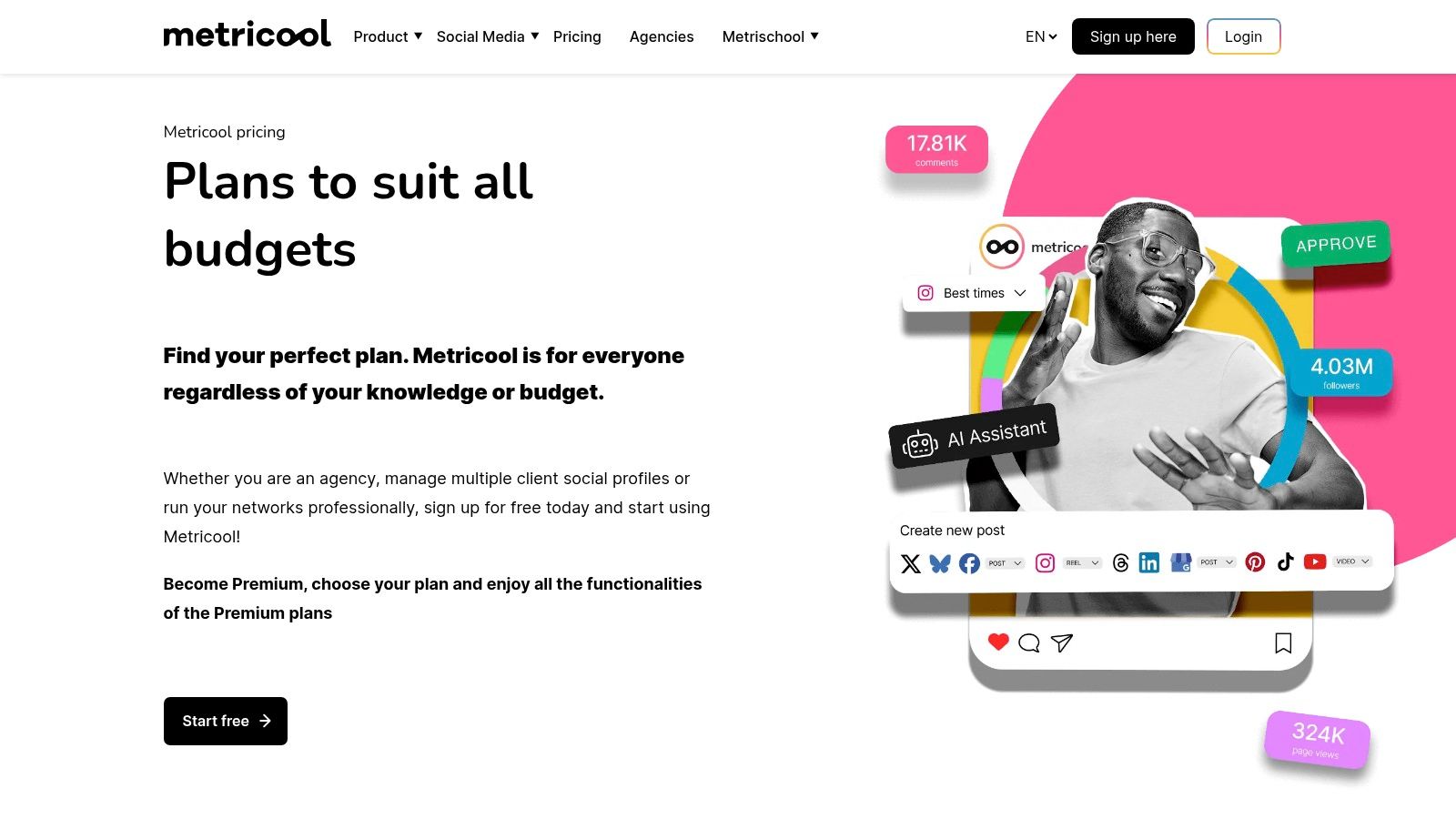
Metricool is an all-in-one social media management tool that offers a genuine free-forever plan. It is a strong contender for those seeking both scheduling and analytics. It is a great starting point for creators and small businesses who need core performance data without a financial commitment. The free tier gives substantial value for managing a single brand.
Metricool stands out by combining post-scheduling with competitor analysis in its free offering. This dual function allows you to execute your content strategy and monitor its performance against others from one dashboard. You can also explore a deeper review of Metricool's free features for more detailed insights.
Key Features & Use Cases
- Combined Analytics & Scheduling: Track your Instagram growth, demographics, and content performance while scheduling up to 50 posts per month. This helps streamline your entire content workflow.
- Competitive Analysis: The free plan allows you to track up to five competitor accounts. Use this to benchmark your follower growth, engagement rates, and posting frequency against similar profiles in your niche.
- Multi-Network View: Connect other social profiles, like Facebook or TikTok, to see a combined view of your social media presence, even on the free plan.
Pros & Cons
Website: https://metricool.com/pricing/
5. Pallyy (Free plan)
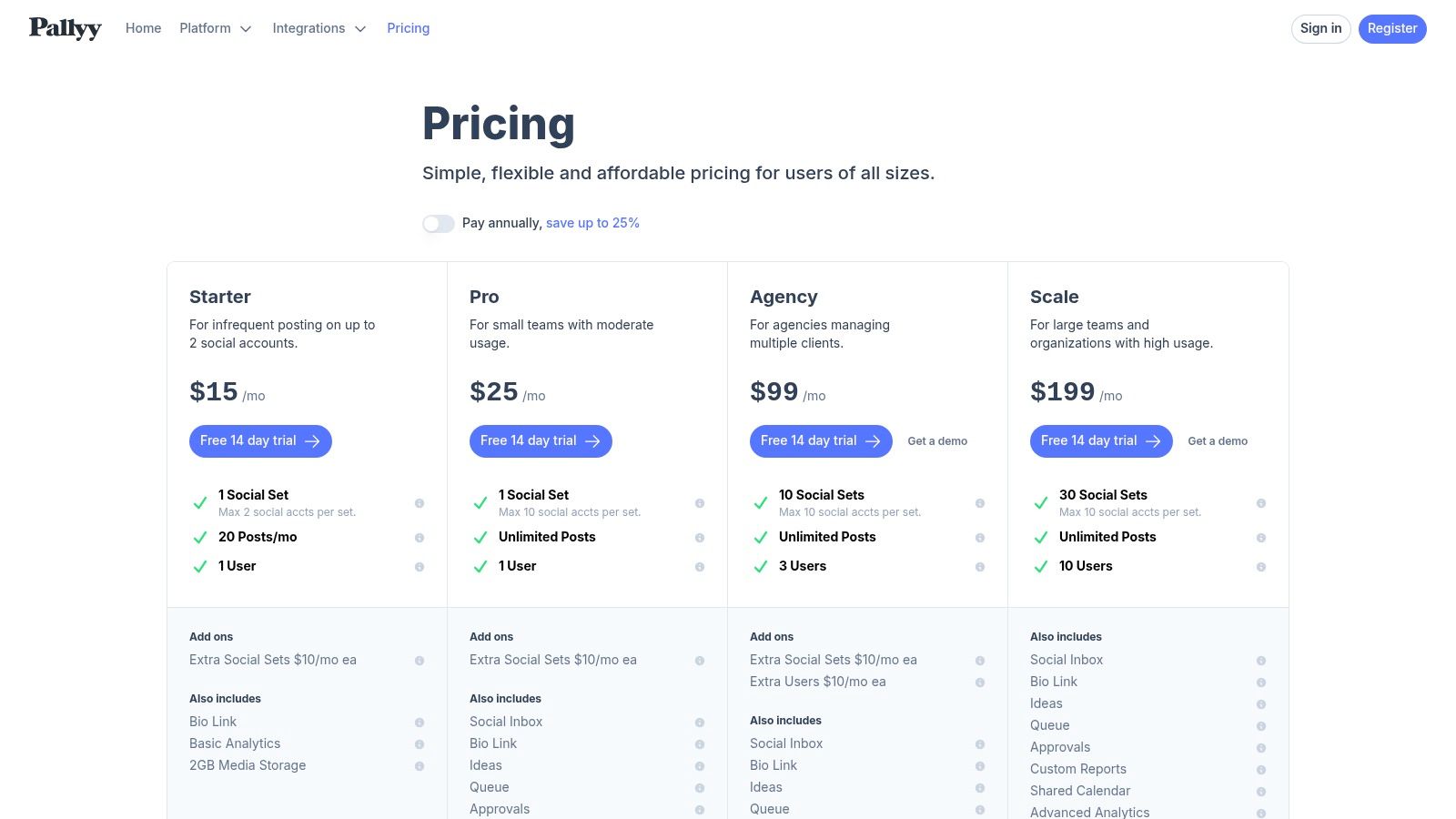
Pallyy is primarily an Instagram-focused scheduler that includes analytics in its generous free plan. It’s designed for creators and small businesses who need a single platform to plan, schedule, and measure their content performance without an initial investment. The free offering supports one social set, which includes Instagram, and allows for basic performance tracking.
It stands out because many scheduling tools gate their analytics features behind paid subscriptions. Pallyy provides core metrics alongside its scheduling tools for free. This makes it an excellent starting point for those seeking to connect their content calendar directly to its performance. The user interface is clean and centered around a visual grid planner, which is ideal for Instagram content strategy.
Key Features & Use Cases
- Integrated Scheduling & Analytics: Plan your content grid visually and review basic analytics like follower growth, reach, and engagement within the same dashboard. This helps you quickly see which scheduled posts perform best.
- Bio Link Tool: The free plan includes a bio link tool. This lets you create a customizable landing page for your Instagram bio and track the clicks it generates.
- Simple Reporting: Generate straightforward reports that cover essential metrics. This is useful for solo creators or small teams needing a quick overview of their account's health and content effectiveness.
Pros & Cons
Website: https://pallyy.com/pricing
6. Social Blade
Social Blade is a public statistics website that offers a quick, no-login approach to Instagram analytics. It's best used for high-level competitive analysis and tracking the public follower growth of any creator or brand on the platform. You can search for a username to see historical data.
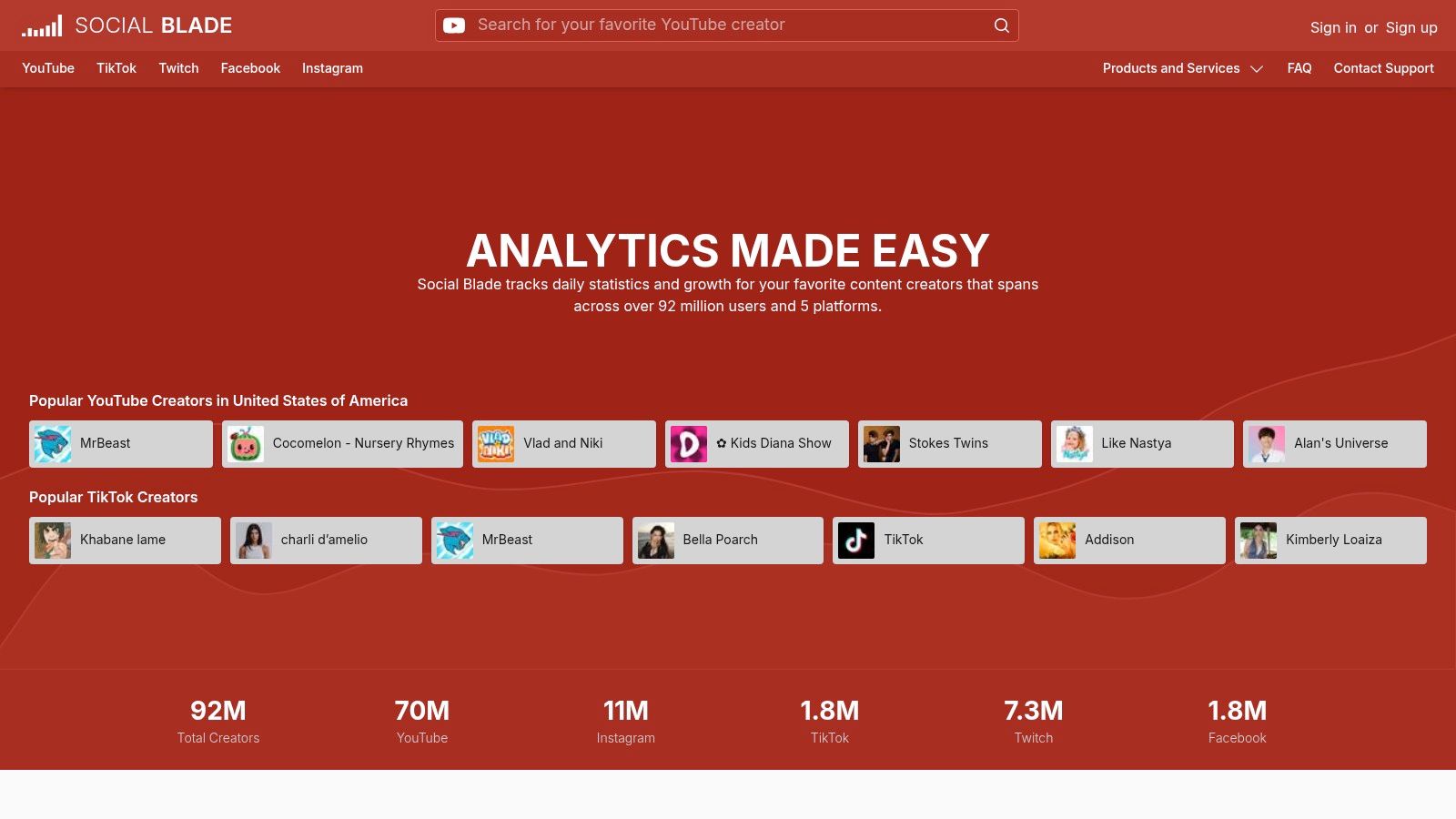
Unlike authenticated tools, Social Blade pulls from public data. It is a good resource for spotting growth trends or vetting potential influencers without needing their permission. This platform excels at giving you fast, external views of an account's trajectory. It is a great starting point for deeper analysis. Because it is a popular analytics tool for Instagram, it is important to know its features.
Key Features & Use Cases
- Public Profile Lookups: Instantly view daily and weekly follower changes, total uploads, and engagement rate estimates for any public Instagram account. This is ideal for quick competitor check-ins.
- Top Lists & Rankings: Explore top-ranked Instagram accounts by follower count or engagement. This helps you identify leading creators and trends within specific niches or countries.
- Future Projections: See basic projections for follower growth over time. This data can offer a glimpse into an account's momentum.
Pros & Cons
Website: https://socialblade.com
7. Analisa.io
Analisa.io offers a unique approach to Instagram analytics. You can research any public profile or hashtag without needing to log in or connect an account. This makes it an excellent tool for quick competitor analysis or for auditing the performance of a campaign hashtag on the fly. It serves as a great starting point for surface-level insights.
The platform operates on a freemium model. Its strength is giving you a snapshot of performance data, including engagement rates and follower counts for specific profiles or hashtags, directly from its website. For those looking for quick, high-level analytics for Instagram free of charge, Analisa.io provides a simple and accessible solution.
Key Features & Use Cases
- Public Profile Analysis: Enter any public Instagram username to get a basic report on their engagement rate, average likes, and comments per post. This is ideal for a fast competitor check.
- Hashtag Performance: Research any hashtag to see its usage and top-performing posts. Use this to validate potential hashtags for your campaigns before you implement them.
- Campaign Audits: Quickly check the overall performance and reach of a campaign hashtag without needing to manually collect data from individual posts.
Pros & Cons
Website: https://analisa.io
8. Not Just Analytics (formerly Ninjalitics)
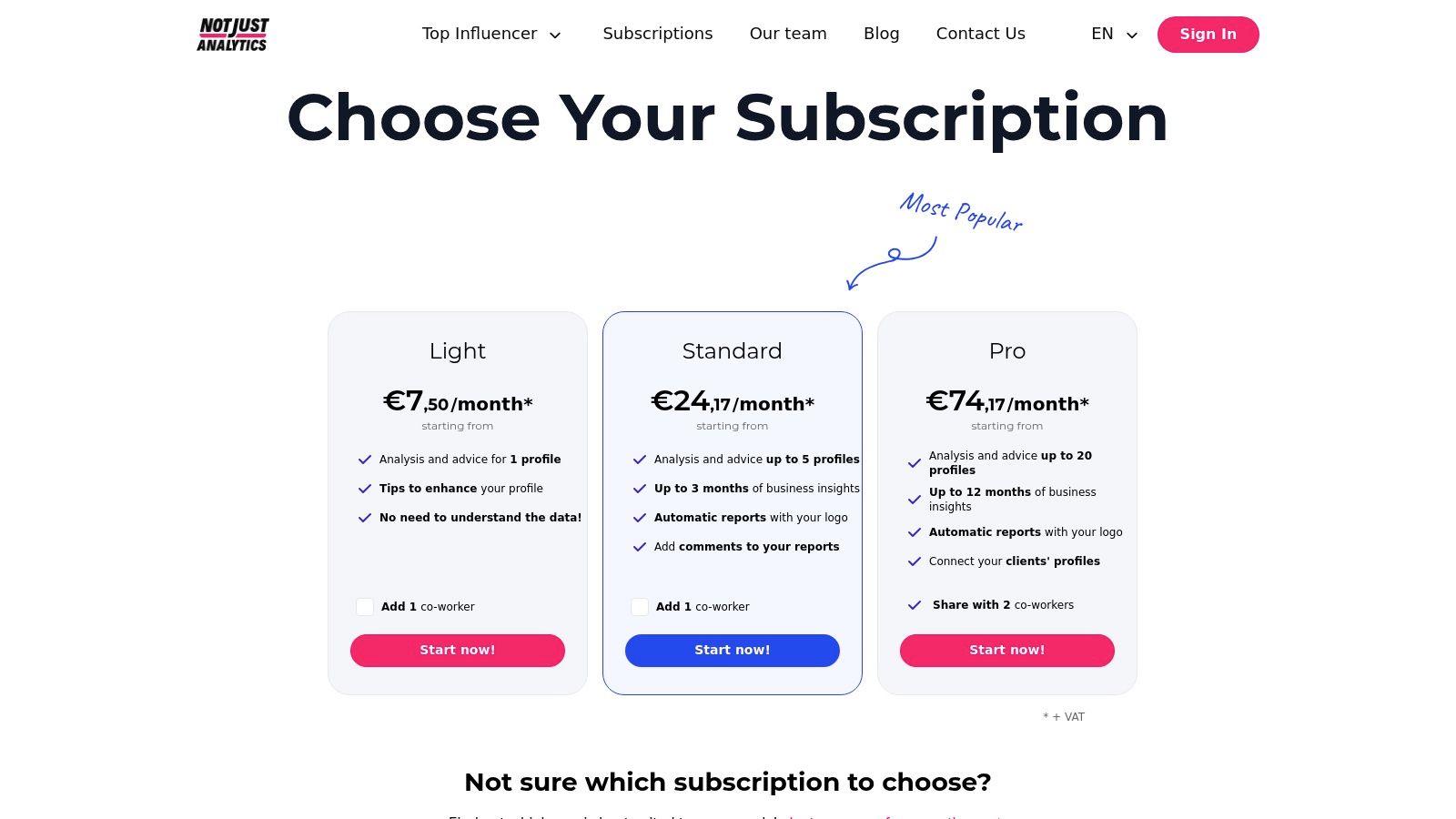
Not Just Analytics offers an audit-style approach to Instagram analysis. It is a strong tool for quick performance checks and competitor vetting. While its best features are behind a paywall, its free tier provides valuable spot-check abilities for any public Instagram account. You can analyze a profile's core metrics and receive a performance score without needing to connect your own account.
This platform stands out with its clean, report-like dashboards that simplify complex data into easily understandable scores and trends. It is useful for agencies or marketers who need a quick, objective assessment of an influencer's or competitor's profile health before starting a deeper analysis. The free version serves as a great entry point for these one-off checks.
Key Features & Use Cases
- Profile Audits: Enter any public Instagram handle to get a free, basic report on engagement rates, follower growth, and content performance. This is ideal for quickly evaluating potential collaborators or competitors.
- Performance Scoring: The platform generates a clear score for accounts. This helps you quantify profile quality at a glance without digging through every metric.
- Historical Data View (Paid): Paid plans offer access to longer historical data windows. This allows for more complete trend analysis and report generation.
Pros & Cons
Website: https://www.notjustanalytics.com/pricing
9. squarelovin
squarelovin is a complete Instagram marketing suite. It combines analytics with tools for managing user-generated content (UGC) and creator campaigns. Its free plan offers a solid entry point for individuals or small businesses looking to get started with analytics for one Instagram account. It provides essential insights, including post performance and ideal posting times.
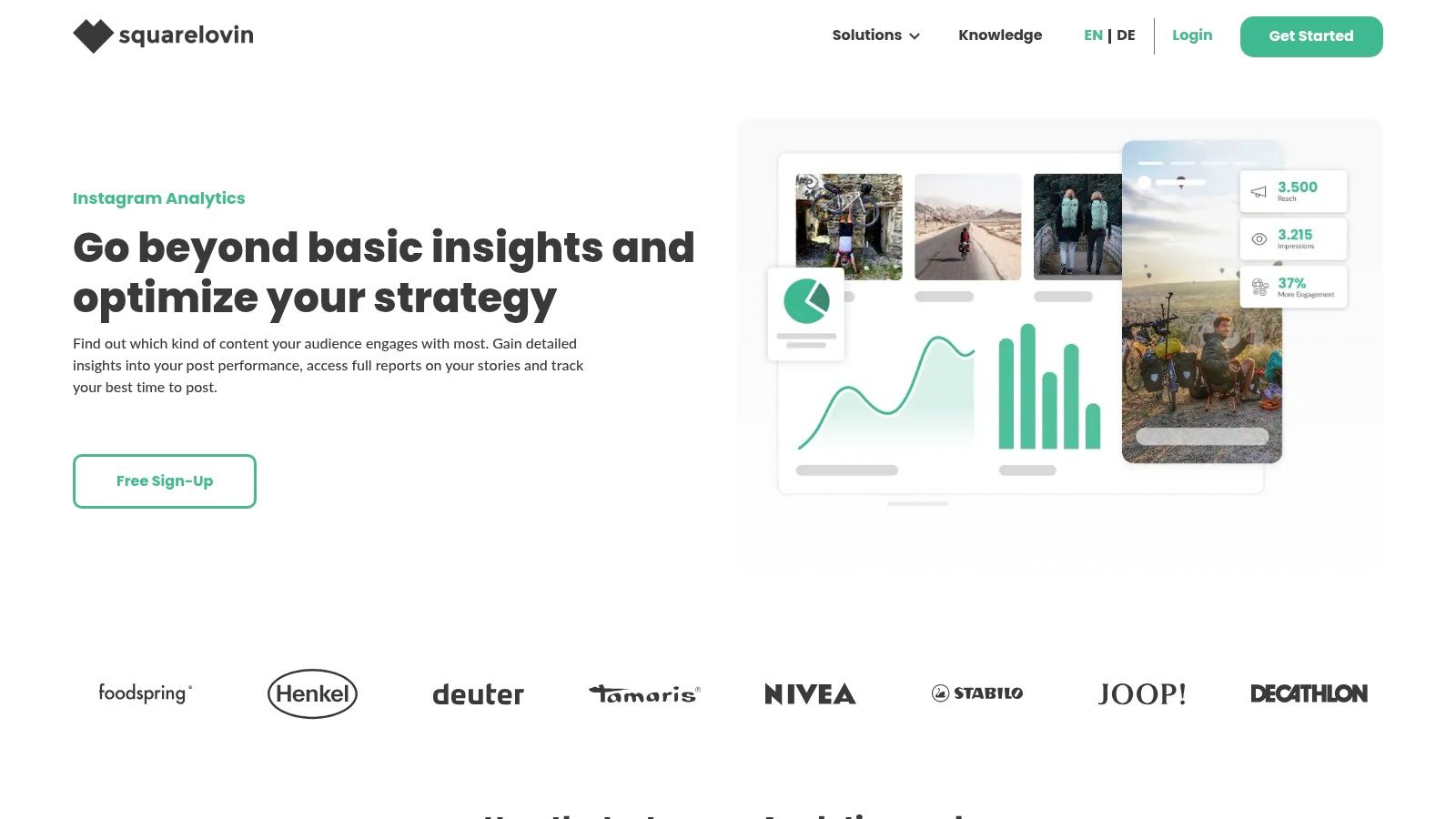
This platform stands out by bundling its free Instagram analytics with other marketing functions. While the free tier is focused on data, the paid plans expand into a full UGC management system. This makes it a potential all-in-one solution for brands that plan to scale their creator and community marketing efforts alongside their performance tracking.
Key Features & Use Cases
- Performance Overview: The free dashboard gives a clear summary of your post, Story, and community metrics. You can quickly see your most engaging content.
- Best Time to Post: squarelovin analyzes your audience activity and follower engagement to recommend the optimal times to publish content for maximum reach.
- Weekly Reports: Get a performance summary delivered to your email each week to stay updated on your account's growth without needing to log in.
Pros & Cons
Website: https://squarelovin.com/instagram-tools/
10. HypeAuditor (Free Instagram Engagement Calculator)
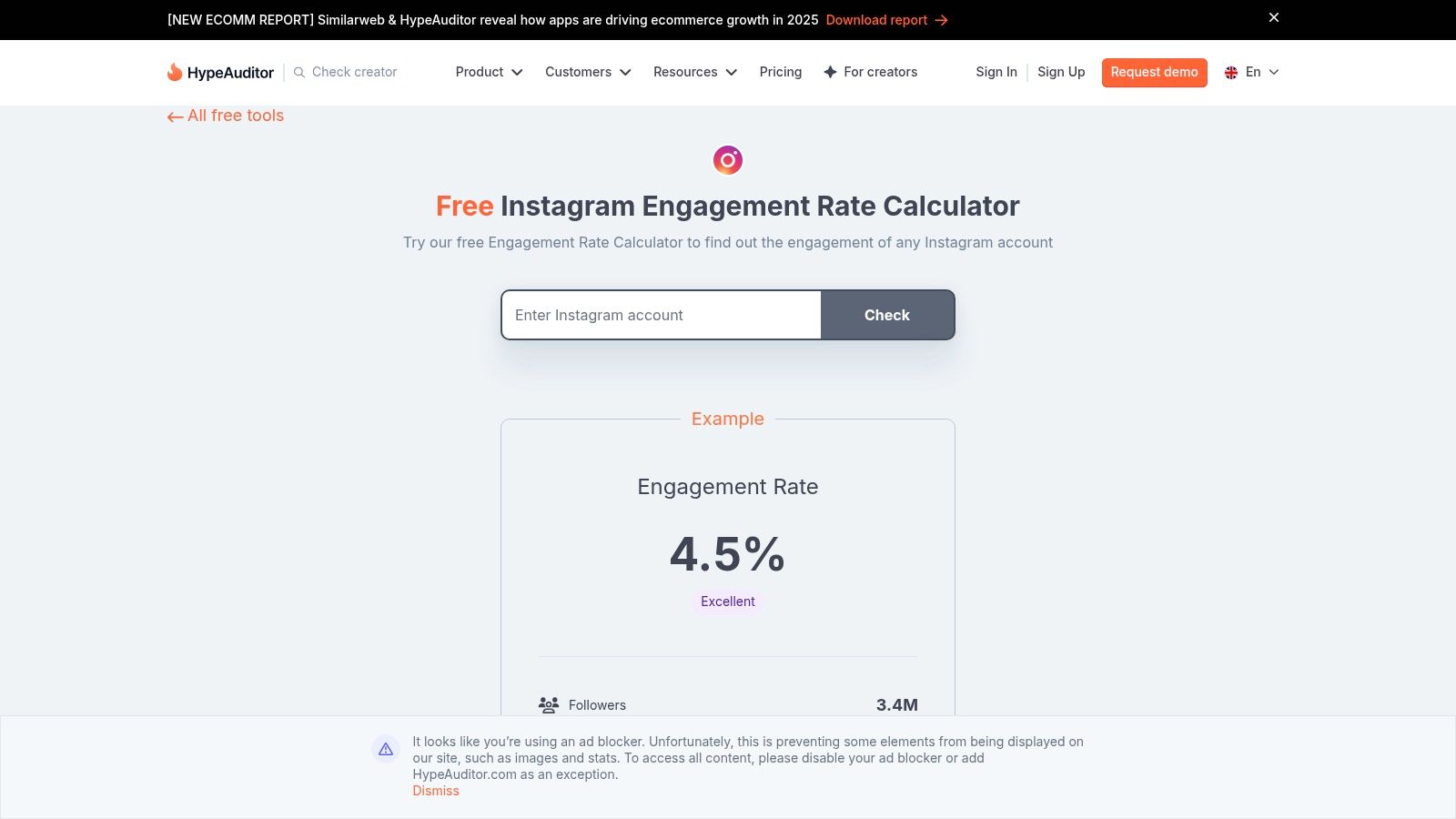
HypeAuditor offers a suite of free web tools. Its Instagram engagement rate calculator is a standout for quick analysis. This tool is designed for instant, no-cost checks. It is useful for initial influencer vetting or a fast health check on a competitor's profile. It serves as a gateway to HypeAuditor’s more complete paid platform, but the free tool itself gives immediate value.
The platform excels at giving you a quick, data-backed estimate without requiring you to log in or connect an account. By entering an Instagram handle, you get an immediate engagement rate calculation. This simplicity makes it an essential tool for marketers who need rapid insights into public-facing metrics, a key first step in any effective influencer marketing strategy.
Key Features & Use Cases
- Engagement Rate Calculator: Instantly calculate the engagement rate for any public Instagram profile. This is ideal for quickly screening potential influencers or benchmarking against competitors.
- Quick Follower Vetting: The tool often links to other free checks, such as basic fake follower detection. This helps you perform a surface-level audit before committing to a deeper analysis.
- Competitor Snapshot: Use the calculator to get a high-level view of how engaged your competitors' audiences are. This data gives context for your own performance goals.
Pros & Cons
Website: https://hypeauditor.com/free-tools/instagram-engagement-calculator/
11. Modash (Engagement Rate Calculator)
Modash offers a free, browser-based engagement rate calculator for any public Instagram account. This tool serves as a quick-check feature for its broader influencer marketing platform. It is ideal for initial vetting of potential collaborators or for a fast snapshot of a competitor's performance without needing to log in or connect an account.
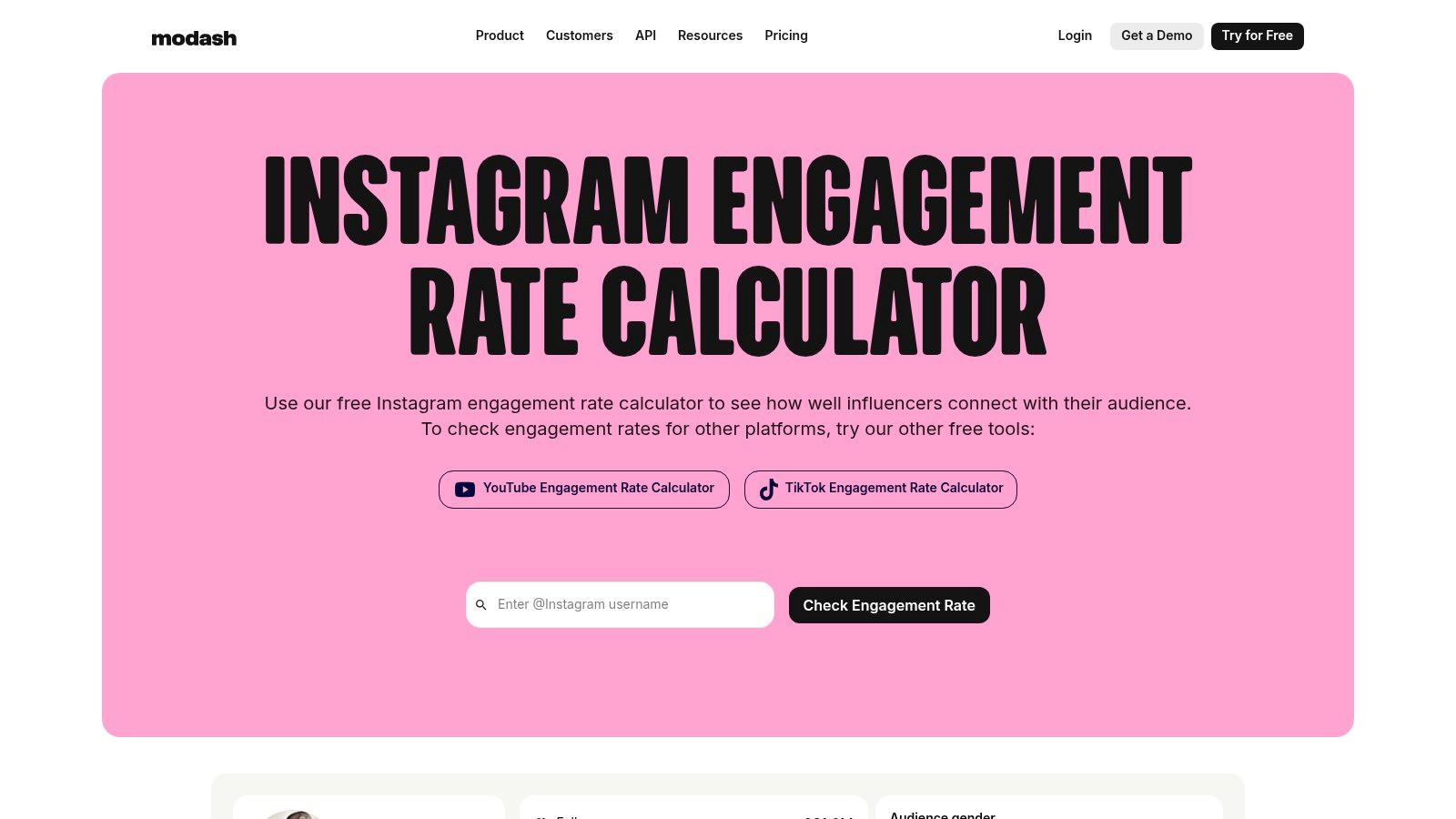
While the free calculator is the main draw for those seeking simple analytics for Instagram free, Modash's full paid suite expands into a complete influencer discovery database. The free tool’s value is in its simplicity and speed. It provides an instant engagement rate that is a key health metric for any profile. It allows you to quickly assess an account's audience connection before committing to deeper analysis.
Key Features & Use Cases
- Instant Engagement Rate Check: Enter any public Instagram handle to get an immediate engagement rate percentage. This is useful for quickly filtering influencer lists or benchmarking your own rate against others.
- Competitor Snapshot: Quickly evaluate how engaging your competitors' content is without needing access to their private analytics.
- Influencer Discovery Gateway: The free tool gives a sample of what the full Modash platform offers. This includes detailed audience demographics, follower authenticity checks, and sponsored content history for paid users.
Pros & Cons
Website: https://www.modash.io/engagement-rate-calculator
12. Phlanx (Engagement Calculators)
Phlanx offers a suite of free, quick-audit tools, most notably its Instagram Engagement Calculators. Instead of a full analytics dashboard, it gives a simple way to get an immediate snapshot of any public profile's engagement rate without connecting an account or even signing up. This makes it an excellent resource for quick competitive analysis or for vetting potential influencers.
The platform stands out by separating its calculators for standard posts and Reels. This recognizes that engagement metrics differ a lot between these formats. You enter an Instagram handle, and the tool calculates the average engagement rate based on recent public content. It is a perfect choice when you need a fast, simple benchmark of analytics for Instagram free of logins or complex setups.
Key Features & Use Cases
- Post & Reel Calculators: Get specific engagement rates for both feed posts and Reels. This helps you understand performance across different content types for your own or competitor accounts.
- No Login Required: Audit any public Instagram handle instantly. This is ideal for quick spot-checks on competitors or potential collaborators without needing their account access.
- Simple Benchmarking: Use the outputs to create a baseline engagement score. You can then track this metric over time to gauge growth or compare multiple accounts quickly.
Pros & Cons
Website: https://playground.phlanx.com/engagement-calculator
12 Free Instagram Analytics Tools — Comparison
How to Choose the Right Free Tool for You
You have now explored a complete list of options for analytics for Instagram free of charge. The key takeaway is that you do not need a large budget to start making data-informed decisions for your Instagram strategy. From Instagram's own native tools to specialized third-party platforms, a wealth of information is available to help you understand your audience and content performance.
The right tool depends entirely on your specific goals. There is no single "best" option for everyone. Your choice will be guided by what you need to measure and achieve.
Match the Tool to Your Goal
To select the most effective platform, start by defining your primary objective. This focus will help you filter through the features we have discussed.
- For understanding your current audience and content: Start with Instagram Insights and Meta Business Suite. These native tools give you the foundational data you need on follower demographics, reach, impressions, and post-level engagement directly within the app.
- For scheduling posts and basic performance tracking: A tool like Buffer or Metricool on their free plans offers a great entry point. You get basic analytics combined with content planning abilities, which is ideal for solo creators or small businesses managing a single profile.
- For deep dives into competitor performance or hashtag strategy: Platforms like Analisa.io or Not Just Analytics are built for this. Their free tiers offer a glimpse into the metrics of other accounts, helping you benchmark your performance and identify opportunities.
- For quick influencer vetting or public engagement checks: The single-purpose calculators from HypeAuditor, Modash, or Phlanx are perfect. Use them for fast, on-the-spot checks of any public profile's engagement rate without needing to connect your own accounts.
Actionable Next Steps
Your journey into data does not end with choosing a tool. The real value comes from consistent action.
- Select one or two tools from this list that align with your immediate goals. Do not overwhelm yourself by trying to use all of them at once.
- Establish a routine. Set aside time each week to review your key metrics. Look for trends, identify top-performing content, and note what is not working.
- Test and iterate. Use the insights you gather to form a hypothesis. For example, if you notice Reels published on Tuesday mornings get more views, test that theory for a few weeks and measure the results. Data is only useful when it informs your actions.
The goal of using any analytics for Instagram free tool is to move from guessing to knowing. These platforms give you the evidence you need to refine your content, engage your audience more effectively, and grow your presence with intention. Start small, stay consistent, and let the data guide your path forward.
When you are ready to turn those analytics insights into scalable growth, you need a partner to manage your campaigns. Adworkly specializes in paid advertising and creative services that transform data into results, helping you reach the right audience on Instagram with precision. Learn how we can help you scale your brand at Adworkly.