12 Best Tools for Instagram Analytics for Free in 2025
Discover the 12 best tools to get Instagram analytics for free. Learn to track your metrics, understand your audience, and grow your account without any cost.
Unlocking your Instagram growth starts with data, not a large budget. Understanding your performance is the key to creating content that actually connects with your audience, boosts engagement, and expands your reach. Without the right metrics, you are guessing what your followers want to see. This guide removes that guesswork by breaking down the most effective ways to access powerful Instagram analytics for free.
We will explore everything from Instagram's native Insights to robust third-party platforms that offer surprisingly detailed free plans. This is a practical resource designed to help you find the best tool for your specific needs, whether you are a digital marketer, e-commerce brand, or SaaS business.
Each option in our list includes a direct link, an honest assessment of its limitations, and screenshots to show you exactly what to expect. We cut through the marketing fluff to provide a clear, in-depth overview of the top free solutions available. Our goal is to equip you with the knowledge to track what works, refine your strategy, and make data-driven decisions that lead to real, sustainable growth. Let's find the right free tool for you.
1. Instagram (in-app Insights via Professional Dashboard)
The best place to start your search for free Instagram analytics is the source itself. Instagram's native Insights, accessible through the Professional Dashboard on any Business or Creator account, provides the most accurate, first-party data available. This is the ground truth for your performance metrics, making it an essential tool for any serious marketer.
The platform offers a detailed breakdown of your account, content, and audience performance directly within the mobile app. You can analyze metrics for individual posts, Stories, and Reels, tracking things like reach, impressions, engagement, and video plays. Recently, Instagram even added a beta feature for competitive insights, allowing you to track the performance of up to 10 other accounts. The primary drawback is that the interface is mostly mobile-only, which can be cumbersome for deep analysis. Some users also report occasional data delays.
Access Requirement: You must switch your personal profile to a free Business or Creator account in your settings.
Key Features
- Account Insights: Overall reach, impressions, and follower growth trends.
- Content-Specific Metrics: Detailed performance data for individual posts, Stories, and Reels.
- Audience Demographics: Insights into your follower base, including age, gender, and top locations.
Website: https://www.instagram.com
2. Meta Business Suite
For those who find Instagram's mobile-only analytics limiting, Meta Business Suite is the official desktop-based solution. It unifies your Instagram and Facebook management into a single dashboard, providing a more robust interface for reviewing performance. This makes it an ideal tool for social media managers and teams who need a centralized hub for content scheduling, community management, and analyzing cross-platform results from their web browser.
The platform offers a more expansive view of your Instagram analytics for free, displaying metrics that are easier to digest and export on a larger screen. It provides detailed post-level data and audience breakdowns similar to the in-app version, but with the added convenience of a unified inbox and content planner. While it's an incredibly powerful free tool, some users have noted occasional differences between the data shown in Business Suite and the native Instagram app, along with sporadic posting bugs.
Access Requirement: You must have an Instagram Business or Creator account linked to a Facebook Page.
Key Features
- Unified Insights: Combined analytics for both Instagram and Facebook activity in one dashboard.
- Desktop & Web Access: Easily analyze, report on, and export performance data from a computer.
- Centralized Management: Includes a unified inbox and a content planner for scheduling posts and Stories.
Website: https://business.facebook.com
3. Buffer
While primarily known as a social media scheduler, Buffer’s generous free plan includes basic analytics, making it a powerful two-for-one tool. It offers a clean, user-friendly dashboard to track top-line performance for your Instagram account alongside other social channels, providing a consolidated view of your efforts. This makes it an excellent choice for users who want to combine their content scheduling and performance analysis into a single workflow without any initial investment.
The platform provides a clear, at-a-glance look at your posts' performance. This is perfect for marketers needing quick insights without getting lost in data. While advanced reporting and data exports are reserved for paid tiers, the free offering is more than sufficient for tracking fundamental metrics and understanding what resonates with your audience. For those seeking instagram analytics for free, Buffer presents a legitimate and streamlined starting point.
Access Requirement: Sign up for a free Buffer account. The free plan includes up to 3 social channels.
Key Features
- Basic Post Analytics: Track likes, comments, and reach for individual posts directly within the dashboard.
- Multi-Channel View: Manage and view basic performance for Instagram, Facebook, and one other channel from a single location.
- Combined Scheduling & Analytics: Schedule up to 10 posts per channel and analyze their performance in the same interface.
Website: https://buffer.com
4. Metricool
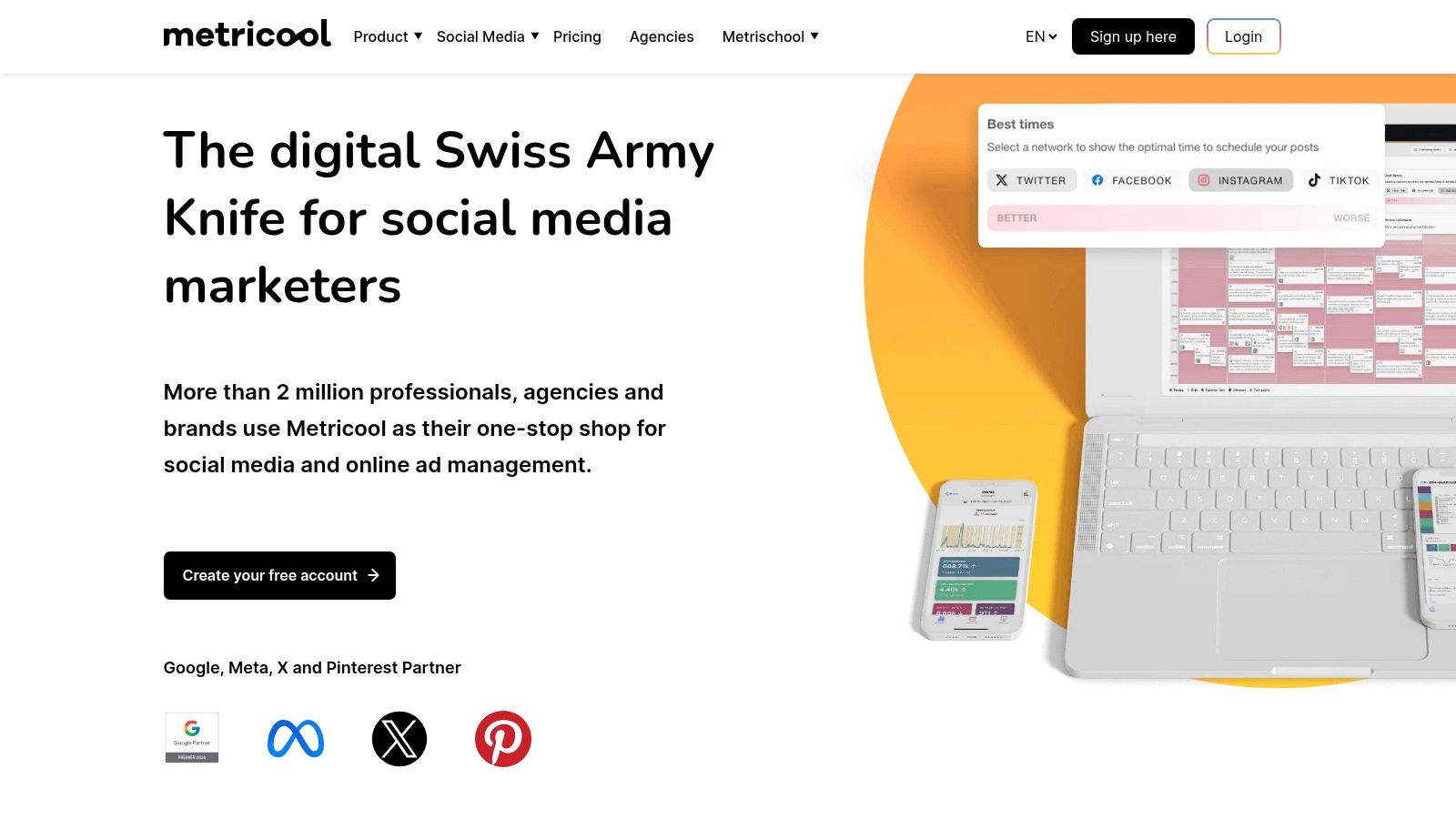
Metricool stands out as an all-in-one social media management tool that offers a genuinely useful free tier. This makes it a great starting point for those needing more than just native analytics. Its free plan provides a solid suite of instagram analytics for free, combining performance data with content scheduling capabilities. This makes it an efficient option for solo creators, small businesses, or marketers managing a single brand who want to connect their data directly to their publishing workflow.
The platform offers a clean dashboard that visualizes your growth, demographics, and post performance over time. A unique feature of its free plan is the ability to conduct basic competitive analysis. This allows you to track up to five competitor accounts to benchmark your performance. While the free plan is robust, it limits data history to the last three months and places a small watermark on some reports, which are key trade-offs for its no-cost access.
Access Requirement: A free Metricool account is required. The free plan is limited to one brand and has data history and reporting limitations.
Key Features
- Analytics & Scheduling: Combines Instagram analytics with a content scheduler (up to 50 posts/month free).
- Competitor Analysis: Track and compare your performance against up to five other Instagram accounts.
- Comprehensive Reporting: Visualizes follower growth, demographics, engagement rates, and best times to post. You can learn more about Metricool's free IG analytics and its reporting features.
Website: https://metricool.com
5. Later
Later is renowned for its Instagram-first visual content planner and scheduler. While its most powerful analytics are behind a paywall, it secures a spot on this list for its excellent free Link-in-Bio analytics and the availability of a 14-day trial for its premium features. This makes it a great option for those who want to test a professional-grade tool or primarily need to track click-throughs from their bio.
The platform excels at providing a clean, visual-first user experience that simplifies content planning. Its free offering focuses on providing crucial data for your Link-in-Bio page, helping you understand which links drive the most traffic and engagement. This is a valuable tool for anyone using their Instagram bio to direct followers to a blog, product page, or portfolio, providing a slice of instagram analytics for free.

Access Requirement: A free Later account is required. A 14-day trial is available to temporarily access premium analytics.
Key Features
- Free Link-in-Bio Analytics: Track link clicks and page views directly from your bio link on the free plan.
- Visual Content Planner: Organize and preview your Instagram feed before you post.
- Paid Analytics Trial: Access to a full suite of analytics for a 14-day trial period.
Website: https://later.com
6. Not Just Analytics (formerly Ninjalitics)
Not Just Analytics offers a fast and visually intuitive way to get a quick snapshot of any public Instagram profile's performance. Its primary strength lies in its "public lookup" feature. This feature generates a clean, shareable scorecard summarizing key metrics like engagement rate, follower growth, and post frequency without needing to connect an account. This makes it an excellent tool for quick competitor analysis or for creators looking to validate their performance at a glance.
The platform provides a more detailed dashboard once you connect your own professional account, offering deeper insights into your growth and engagement patterns. While the most powerful features, such as historical data analysis and PDF report generation, are reserved for paid tiers, the free offering is robust enough for basic health checks. It stands out by presenting data in a highly digestible format, perfect for users who feel overwhelmed by more complex analytics dashboards.
Access Requirement: Free for public profile lookups. Connecting your own Instagram Business or Creator account is required for deeper personal analytics.
Key Features
- Public Profile Scorecards: Instantly generate a basic performance report for any public Instagram account.
- Connected Profile Analytics: Track your own follower growth, engagement rates, and content performance over time.
- Clear Visualizations: Data is presented in easy-to-read charts and graphs for rapid analysis.
Website: https://www.notjustanalytics.com
7. Analisa.io
Analisa.io is a powerful freemium tool that stands out for its quick, no-signup-required spot checks for public profiles and hashtags. While its free offering is intentionally limited, it provides a valuable glimpse into recent performance, making it excellent for initial competitor research or a quick analysis of a trending hashtag. This makes it a great option for users who need fast insights without committing to a platform.
The free tier allows you to analyze any public profile's 12 most recent posts, offering metrics like average engagement rate, likes, and comments. Its real strength is its hashtag analysis, which can help you understand the activity level and top posts for a specific tag. To unlock its full potential, including historical data, follower demographics, and detailed campaign reports, you must upgrade to a paid plan. The free version serves as a functional demo of its more robust, paid capabilities.
Access Requirement: The basic profile and hashtag reports are accessible for free without an account. Deeper analytics require a paid subscription.
Key Features
- Profile Spot Checks: Analyze the 12 most recent posts for any public account to see key engagement metrics.
- Hashtag Analysis: Get a quick overview of a hashtag's performance and see its top associated posts.
- Paid Tier Capabilities: Paid plans unlock follower authenticity checks, historical data, and comprehensive PDF/CSV exports.
Website: https://analisa.io
8. Social Blade
Social Blade is a popular public-facing analytics tool that provides high-level statistics for Instagram and many other social networks. It excels at quick, external benchmarking, allowing you to look up any public profile and see historical follower data, engagement summaries, and future growth projections. This makes it an invaluable resource for competitor analysis and for getting a fast overview of an account's trajectory without needing any direct access.
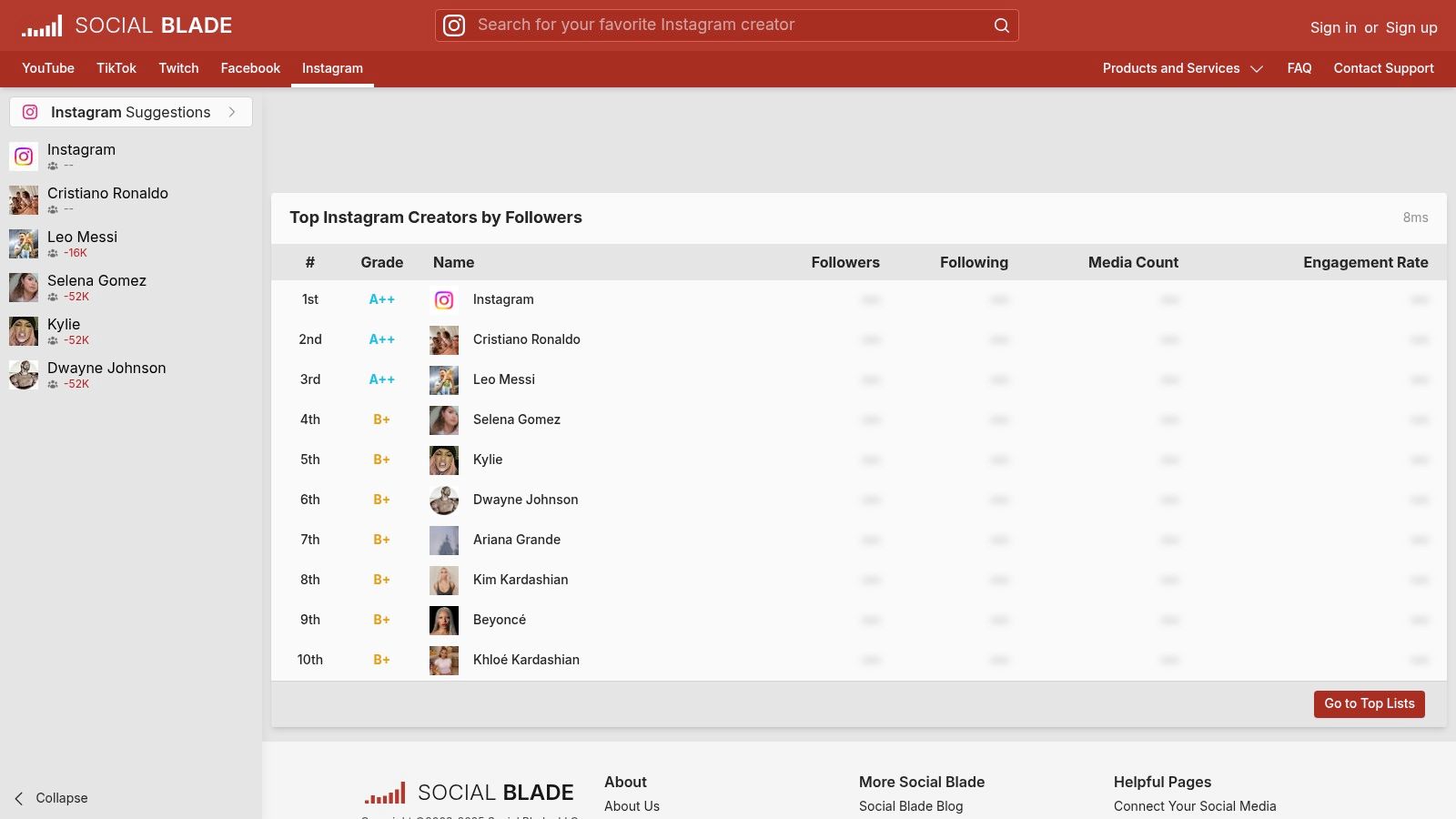
The platform's strength is its simplicity and broad coverage. While it does not offer the deep, post-by-post analysis you get from first-party tools, its trend graphs are excellent for spotting growth patterns or sudden drops in followers. It serves a different but complementary purpose to in-depth Instagram analytics for free, focusing more on the bigger picture and competitive landscape.
Access Requirement: The basic features are free and browser-based. Some advanced Instagram statistics may require a free account login.
Key Features
- Public Profile Stats: Look up any public Instagram account for follower trends and engagement rates.
- Future Projections: Provides data-driven estimates for future follower growth.
- Cross-Platform View: Easily compare an account's performance on Instagram with its YouTube, TikTok, and other profiles.
Website: https://socialblade.com/instagram
9. squarelovin
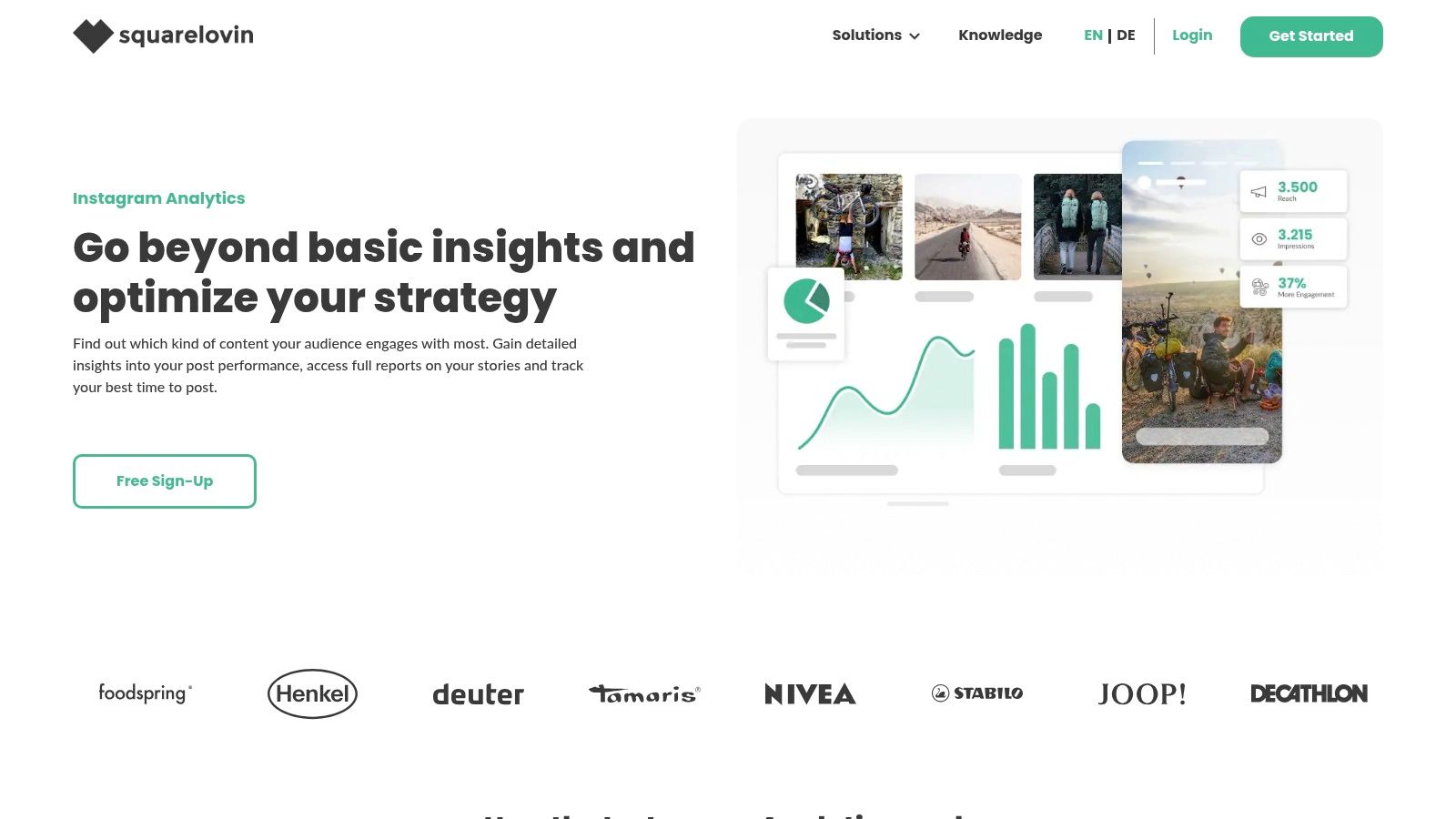
squarelovin is a dedicated Instagram marketing tool that offers a robust free plan for individuals and small businesses looking to dive deeper into their analytics. Unlike more generalized social media dashboards, its entire focus is on Instagram. This provides clean, actionable insights tailored specifically to the platform's unique content formats. Its interface is straightforward and centers on core performance metrics for your profile, posts, Stories, and Reels.
This platform shines by offering valuable strategic recommendations even on its free tier. For example, it can identify the best times to post based on your historical engagement data. While its free offering is generous for a single account, advanced features like PDF reporting, competitor analysis, and multi-user support are reserved for paid plans. This makes it a perfect starting point for those who need more than native Insights but are not yet ready for an expensive, all-in-one suite.
Access Requirement: A free plan is available for one Instagram account and one user. A Meta-compliant connection is required.
Key Features
- Free Core Analytics: Provides essential performance insights for your profile, posts, and Stories.
- Best-Time-to-Post Recommendations: Analyzes your engagement history to suggest optimal posting times.
- Content Breakdowns: Offers specific analytics for various content types, including Stories and Reels.
Website: https://squarelovin.com/instagram-tools/
10. Zoho Social
Zoho Social is a comprehensive social media management platform that offers a generous Free Forever plan. This makes it an excellent choice for individuals or small businesses who need not just analytics but also scheduling capabilities in a single, unified dashboard. While it's part of a larger suite of business tools, its free tier provides a solid entry point for monitoring basic performance without a financial commitment.
The platform's strength is its integration of publishing and monitoring. You can schedule posts for Instagram and then track their immediate engagement directly within the same interface. The free plan is limited to one brand and one user, but it's perfect for those just starting out or managing a single account. The analytics on the free tier are not as deep as dedicated tools. They focus primarily on recent post performance but provide enough data to make informed content decisions.
Access Requirement: Sign up for the "Free Forever" plan. No credit card is required.
Key Features
- Unified Publisher: Schedule and publish content to Instagram and other social networks from one place.
- Post Monitoring: View basic engagement metrics for your recently published posts.
- Single-User Access: The free plan supports one team member and one brand, which includes one Instagram profile.
Website: https://www.zoho.com/social/
11. Modash (Engagement Rate Calculator)
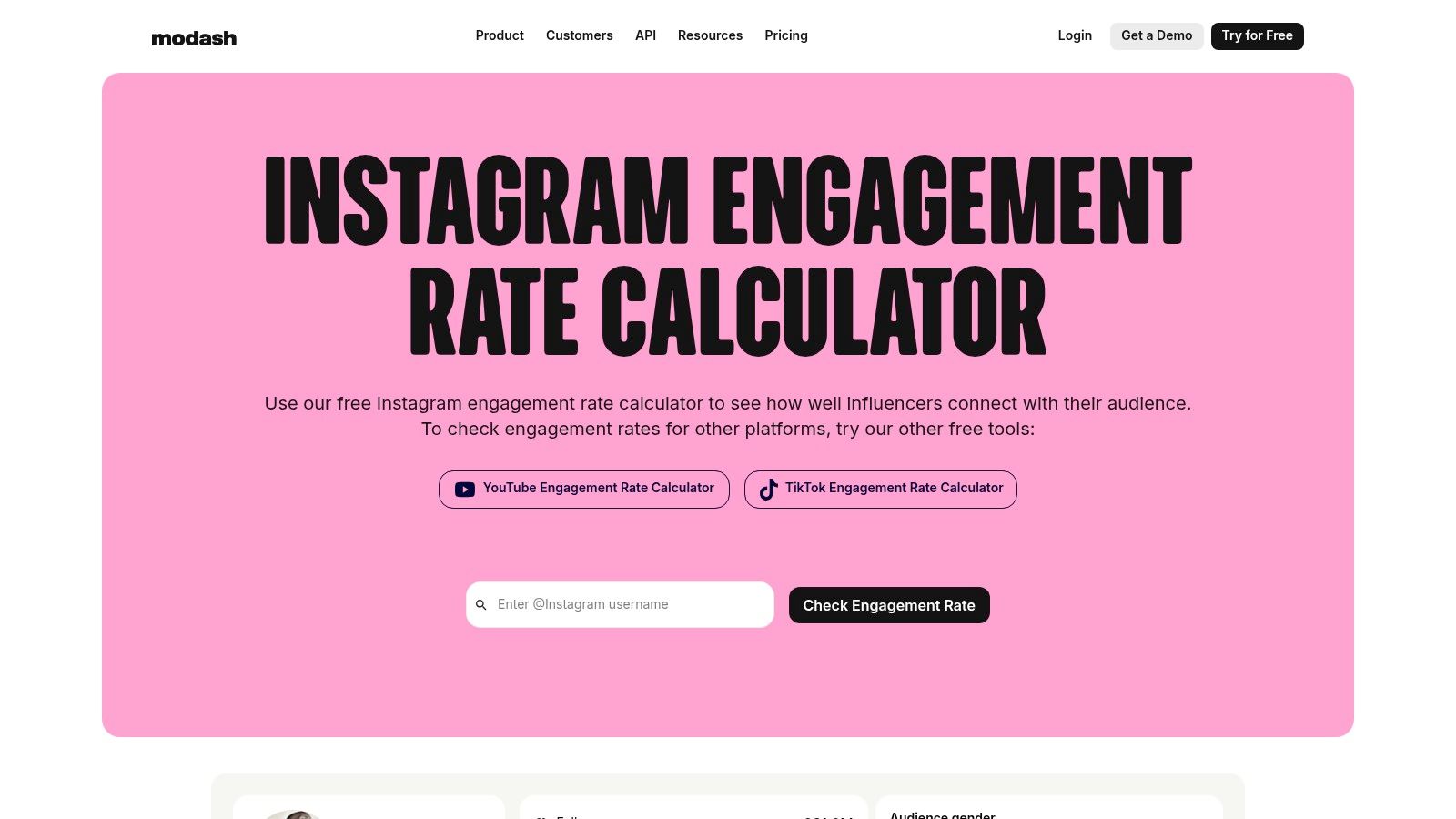
Modash offers a highly specific but incredibly useful tool for anyone involved in influencer marketing or competitive analysis. Their free engagement rate calculator allows you to instantly check the engagement rate (ER) of any public Instagram account simply by entering the username. This makes it an ideal resource for quick vetting of potential collaborators or for benchmarking your performance against similar accounts in your niche.
While the full Modash platform is a paid influencer discovery suite, this free tool provides immediate, valuable data for on-the-fly decisions. It stands out by not only calculating the ER but also benchmarking it against accounts with a similar follower count. This gives you crucial context and helps you understand if a creator's engagement is genuinely good or just average for their size.
Access Requirement: The calculator is free to use on their website; no sign-up is required for this specific tool.
Key Features
- Instant Engagement Rate Calculation: Enter any public Instagram handle for an immediate ER.
- Follower Size Benchmarks: Compares the account's ER to the average for its follower tier.
- Simple Interface: A straightforward, no-frills tool designed for quick checks.
Website: https://www.modash.io/engagement-rate-calculator
12. HypeAuditor (Free Instagram Tools)
While HypeAuditor is primarily known as a paid influencer marketing platform, it offers several valuable, free utilities perfect for quick spot-audits. Its free tools are designed for preliminary research. They allow you to get a snapshot of an account's health without committing to a subscription. This makes it an ideal resource when you need to quickly vet potential collaborators or analyze a competitor's basic engagement metrics.
The standout free tool is the Engagement Rate (ER) calculator. It analyzes the last 12 posts and intelligently handles outliers to provide a more realistic performance picture. Other free utilities include a fake follower checker and content idea generators, adding extra value for marketers looking for quick insights. The main limitation is that these tools are designed for one-off checks. They do not provide the continuous tracking or deep demographic analysis found in the full paid suite.
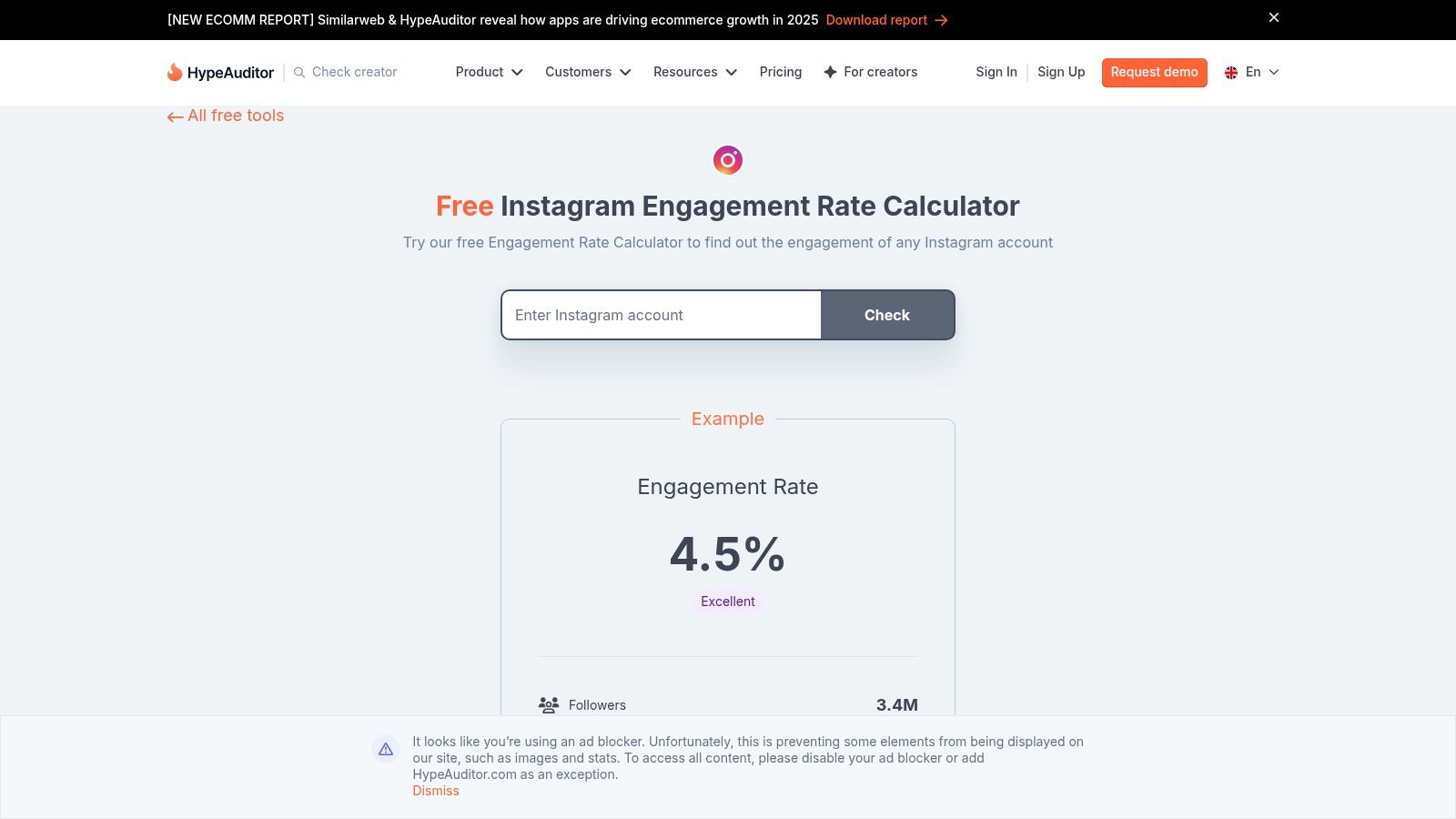
Access Requirement: The free tools are accessible directly on the website by entering a public Instagram username; no account sign-up is required.
Key Features
- Free ER Calculator: Uses the last 12 posts with outlier handling for a more accurate engagement snapshot.
- Audience Quality Checks: Includes a free tool to perform a basic check for fake followers on any public account.
- Spot-Audit Capabilities: Perfect for quick influencer validation before diving into a deeper analysis. For more details, you can learn more about influencer marketing.
Website: https://hypeauditor.com/free-tools/instagram-engagement-calculator
Free Instagram Analytics: 12-Tool Comparison
Turning Free Data into a Winning Strategy
Having explored a comprehensive list of the best instagram analytics for free, it's clear that you do not need a large budget to make data-driven decisions. The real challenge is not accessing the data; it is translating raw numbers into a coherent and actionable growth strategy. Each tool we've covered, from the foundational Instagram Insights to more specialized platforms like Analisa.io, offers a unique window into your performance.
The key takeaway is that no single free tool is a perfect, all-in-one solution. Your ideal analytics stack will likely involve a combination of these resources. By leveraging a few different platforms, you can overcome the limitations of any individual tool and build a more complete picture of your account's health and opportunities.
Building Your Free Analytics Workflow
To move from passive data collection to active strategy, consider implementing a structured approach. A practical workflow can help you consistently turn insights into results without feeling overwhelmed.
- Weekly Check-ins: Use Instagram's native Insights for quick, high-level performance reviews. Identify your top-performing posts, Stories, and Reels from the past seven days. Note any common themes, formats, or topics that resonated strongly with your audience. This is your rapid feedback loop.
- Monthly Deep Dives: Dedicate time each month to use a more robust tool like Meta Business Suite or Metricool. Analyze longer-term trends in follower growth, reach, and engagement. Compare your performance month-over-month to track progress against your goals and spot any emerging patterns.
- Competitive and Campaign Analysis: When you need to benchmark your performance or analyze a specific campaign, turn to specialized tools. Use Social Blade for a quick look at competitor growth trajectories or Not Just Analytics for a detailed breakdown of engagement metrics.
Selecting the Right Tools for Your Goals
Your specific objectives should dictate which tools you prioritize. For e-commerce brands and SaaS businesses, the goal is often to drive traffic and conversions. In this case, metrics like website clicks, profile visits, and the performance of posts with product tags are paramount. A combination of Instagram Insights and Meta Business Suite provides the most direct data for these KPIs.
For app founders and studios, the focus is on building a community that converts into users. Analyzing which content themes generate the most saves, shares, and comments can reveal what your target audience values. This insight is crucial for informing not just your social content but also your creative assets for paid campaigns and your App Store Optimization strategy. Understanding what message resonates on Instagram can directly improve your app's visibility and download rates.
Ultimately, the power of free Instagram analytics lies in consistent application. Start small, establish a routine, and focus on one or two key metrics at a time. By turning data review into a regular habit, you can refine your content, deepen your audience connection, and build a powerful engine for sustainable growth on the platform.
Ready to turn your social media insights into measurable app growth? The data from your Instagram analytics is the perfect starting point, but translating it into a full-funnel acquisition strategy requires expertise. Adworkly specializes in helping app businesses use data-driven insights to fuel user acquisition campaigns, from creative optimization to App Store visibility. Learn how we can help you connect the dots between social performance and real user growth.