Top 12 Best IG Analytics Tool Options for 2025
Discover the best IG analytics tool to track performance. Our 2025 guide reviews 12 top options with pros, cons, pricing, and key features for growth.
Instagram's platform is constantly evolving. To keep up, you need more than just great content; you must understand what works, why it works, and how to replicate that success. This is where a powerful IG analytics tool becomes an indispensable part of your marketing stack. Guessing what your audience wants is no longer a viable strategy for growth. Instead, data-driven decisions are critical for increasing engagement, reach, and converting followers into customers.
This guide moves beyond generic feature lists to provide a detailed breakdown of the 12 best Instagram analytics platforms available today. We analyze each option to help you find the perfect solution for your specific needs, whether you are a solo creator, a growing e-commerce brand, or a large agency managing multiple accounts. We will dive deep into the capabilities of each tool, highlighting practical use cases and potential limitations.
Each review includes screenshots for a clear visual reference and direct links to get you started quickly. Our goal is to help you select the right IG analytics tool to transform raw data into actionable insights, streamline your reporting, and drive meaningful growth for your brand on the platform. Let's explore the options that will give you a competitive edge.
1. Instagram Insights via Meta Business Suite (Official)
As the official, first-party IG analytics tool, Instagram Insights is the essential starting point for any marketer. It provides direct access to your data without third-party connectors, ensuring you see metrics exactly as Meta defines them. This is especially crucial as Meta rolls out changes, such as prioritizing "Views" over other engagement metrics.
To access the full suite of analytics, you must have a Business or Creator account and link it to a Facebook Page. This unlocks the web-based Meta Business Suite, which offers a more comprehensive dashboard than the in-app version. While it lacks the deep historical data and custom reporting of paid tools, its accuracy and real-time updates make it an indispensable, foundational resource for daily performance monitoring and content strategy.
Core Features & Use Case
- Best for: Establishing a baseline for performance tracking and accessing accurate, real-time data directly from the source.
- Unique Offering: Being the native tool, it is always the first to reflect official metric updates.
- Pro Tip: Regularly check the "Accounts Reached" breakdown in the Audience tab to validate if your content is hitting your target demographic.
2. Sprout Social
Sprout Social is a premium, all-in-one social media management platform where Instagram analytics is a core component. It excels at transforming raw data into polished, executive-ready reports, making it a favorite among agencies and established US brands. The platform goes beyond basic metrics, offering deep competitive benchmarking and paid performance insights within the same interface.
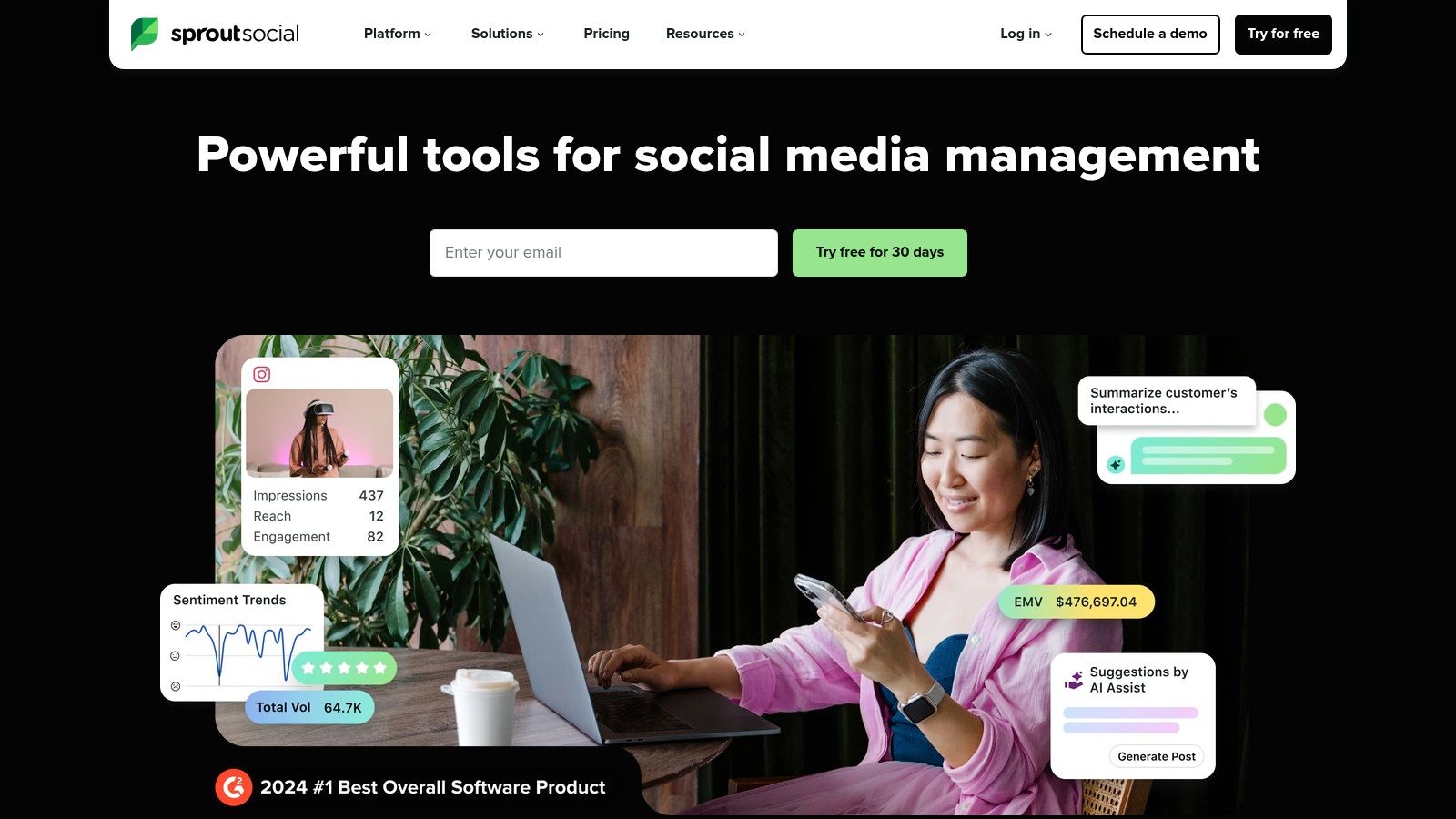
While its robust feature set commands a higher price point, its value lies in centralizing publishing, engagement, and analytics. For teams needing a powerful IG analytics tool that also streamlines their entire social workflow, Sprout Social provides a comprehensive solution. The platform is known for its strong support and timely updates, ensuring its analytics modules stay current with Instagram's evolving API and metric priorities. This reliability is crucial for businesses that depend on accurate, presentation-worthy data.
Core Features & Use Case
- Best for: Agencies and mid-to-enterprise level businesses needing a unified platform for management and in-depth, client-ready reporting.
- Unique Offering: Integrated competitor and paid ad performance reports, allowing for a complete view of your Instagram landscape in one dashboard.
- Pro Tip: Use the Tag Report to analyze content themes. By tagging posts by campaign, topic, or format, you can generate specific performance data to prove the ROI of different content pillars.
3. Hootsuite
As a veteran in social media management, Hootsuite offers a robust, all-in-one platform where its IG analytics tool is deeply integrated with publishing and team collaboration features. It is an official Meta Business Partner, ensuring reliable API connections and timely updates on metric changes, such as the deprecation of older public data points. This makes it a dependable choice for organizations seeking a unified workflow.
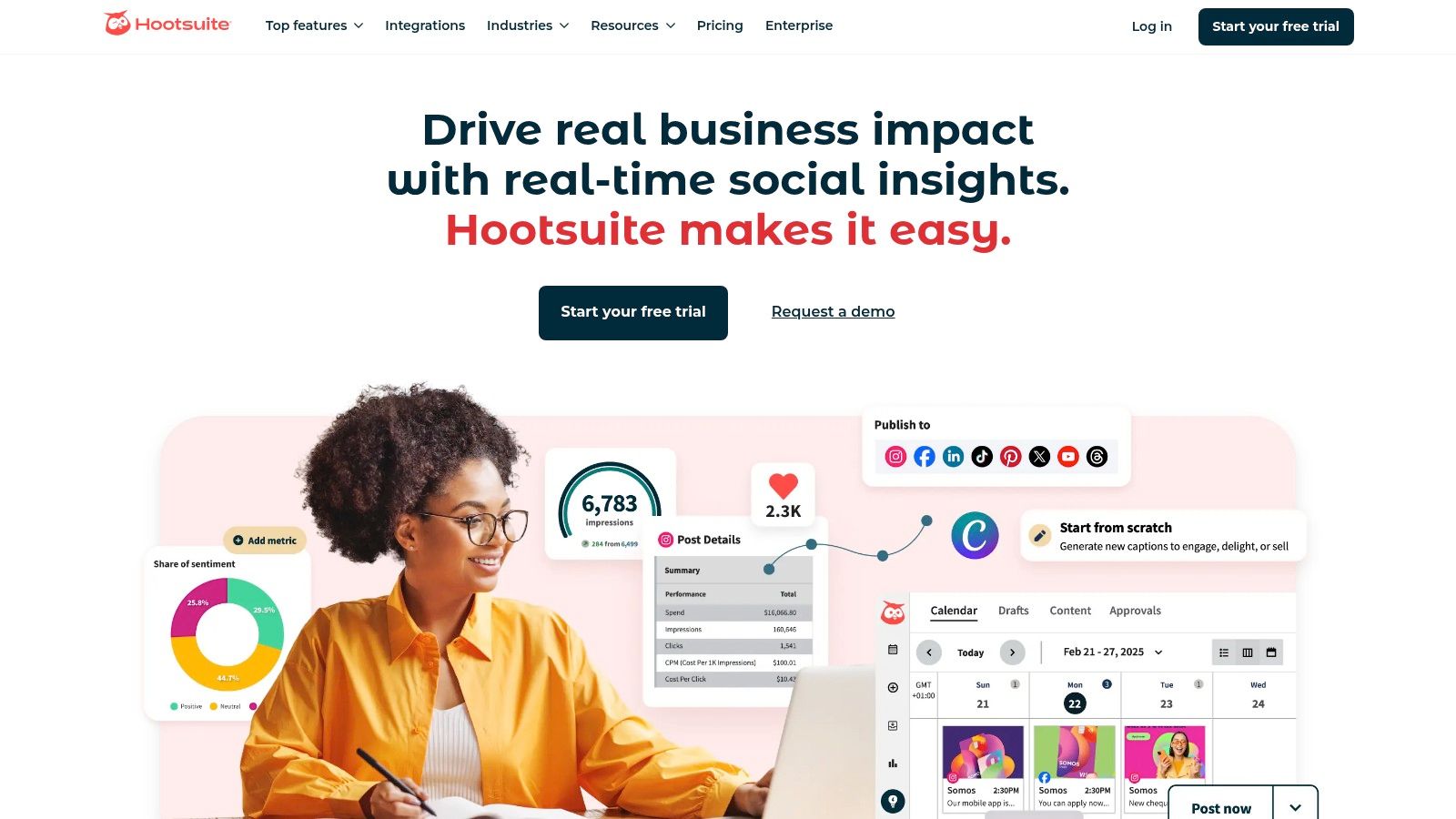
The platform scales from individual users to large enterprises, offering customizable reports that can blend data from Instagram with other social networks for a holistic view of performance. While its core strength is its integrated nature, the total cost can increase with add-ons like the Advanced Analytics module or additional user seats. This positions it best for teams that need more than just analytics and are ready to invest in a comprehensive management suite.
Core Features & Use Case
- Best for: Teams and agencies needing a unified platform to schedule content, monitor performance, and generate multi-network reports.
- Unique Offering: The optional "Advanced Analytics" add-on provides ROI calculations and tracks conversions, connecting social efforts to business goals.
- Pro Tip: Use the "Best Time to Publish" feature, which analyzes your historical engagement data to suggest optimal posting times directly within the scheduler.
4. Later
Later has built its reputation as a visual-first scheduling platform, but its integrated analytics make it a powerful, all-in-one IG analytics tool for creators and small to mid-sized businesses. It excels by tying performance data directly to content planning, allowing users to see what works and immediately apply those insights to their content calendar. Its user-friendly interface simplifies complex data, making it accessible even for those new to social media analytics.
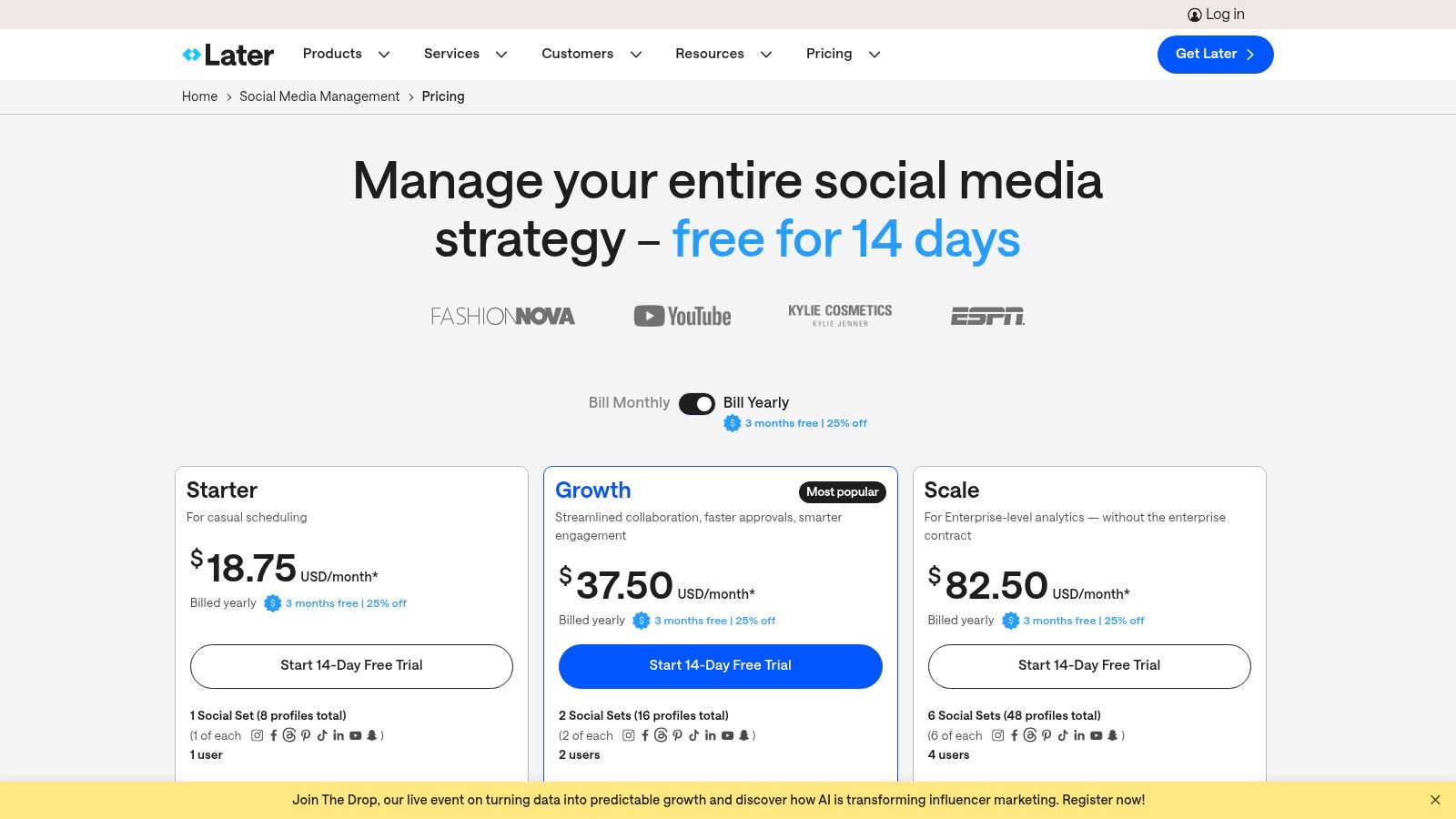
While its most basic plans offer essential metrics, the true value is unlocked in its Growth and Advanced tiers. These plans provide deeper insights like audience engagement rates, best times to post, and detailed story analytics. For brands focused on visual storytelling and streamlining their workflow from planning to analysis, Later offers a compelling and cost-effective package that grows with their needs.
Core Features & Use Case
- Best for: Creators and SMBs who need an integrated visual scheduling and analytics platform to streamline their entire Instagram workflow.
- Unique Offering: The tight integration between the visual content calendar and performance analytics, including a 'Best Time to Post' feature.
- Pro Tip: Use the Link in Bio analytics to track which specific pieces of content are most effective at driving traffic to your website or product pages.
5. Buffer
Buffer is widely known as a straightforward scheduling tool, but its analytics capabilities have evolved into a solid, budget-friendly option for small businesses and creators. It excels at combining publishing and basic performance measurement in one clean interface, making it an excellent IG analytics tool for those who prioritize simplicity and efficiency. While it may not offer the granular reporting of enterprise-level platforms, it provides the core metrics needed to refine your content strategy.
The platform's strength lies in its transparent, per-channel pricing and an easy-to-navigate dashboard. It delivers essential insights on reach, engagement, and audience demographics without overwhelming users with complex data visualizations. This makes it ideal for teams who need to quickly gauge content performance, manage their publishing calendar, and implement effective social media marketing strategies without a steep learning curve or significant financial investment.
Core Features & Use Case
- Best for: Small teams and solo creators seeking an affordable, all-in-one scheduling and analytics solution.
- Unique Offering: Transparent, per-channel pricing that allows you to scale cost-effectively as you grow.
- Pro Tip: Use the integrated hashtag manager to analyze which hashtags drive the most engagement and refine your future posts accordingly.
6. Iconosquare
Iconosquare is a long-standing and respected IG analytics tool known for its clean, intuitive dashboards and powerful reporting capabilities. It is built with a strong focus on Instagram, providing deep metrics that go beyond native analytics, particularly for Reels and promoted content. This specialization makes it a go-to choice for agencies and brands that need to generate professional, data-rich reports for clients or internal stakeholders without extensive manual work.
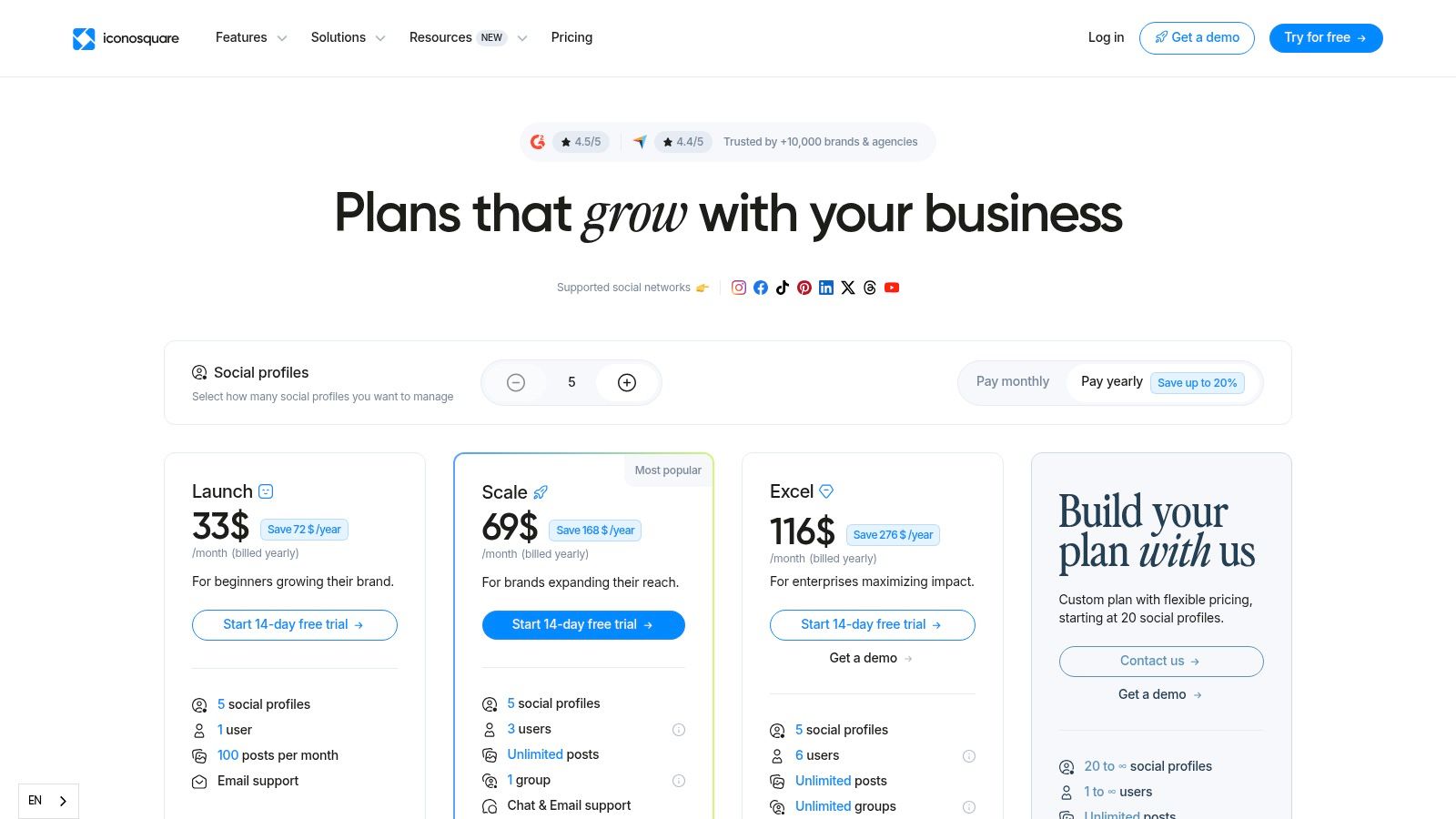
The platform excels at making complex data digestible, offering clear visualizations for everything from follower growth to post-level engagement. While its pricing is published in Euros, which can cause slight fluctuations in USD, the value it delivers in detailed analytics and time-saving automation is significant. It is an ideal solution for teams that require both robust performance tracking and polished, client-ready presentations.
Core Features & Use Case
- Best for: Agencies and social media managers needing comprehensive, white-label reporting and competitor benchmarking.
- Unique Offering: Advanced Reels analytics, including breakdowns of non-follower reach and retention graphs.
- Pro Tip: Use the "Best Time to Post" feature based on your actual audience engagement data, not generic industry advice, to maximize initial post reach.
7. Metricool
Metricool stands out as a highly cost-effective, all-in-one social media management suite, making it a powerful IG analytics tool for freelancers, agencies, and small businesses. Its primary advantage is a pricing model based on the number of brands managed, which offers significant value compared to competitors that charge per profile. It combines robust analytics with scheduling and reporting features, creating a unified workflow.
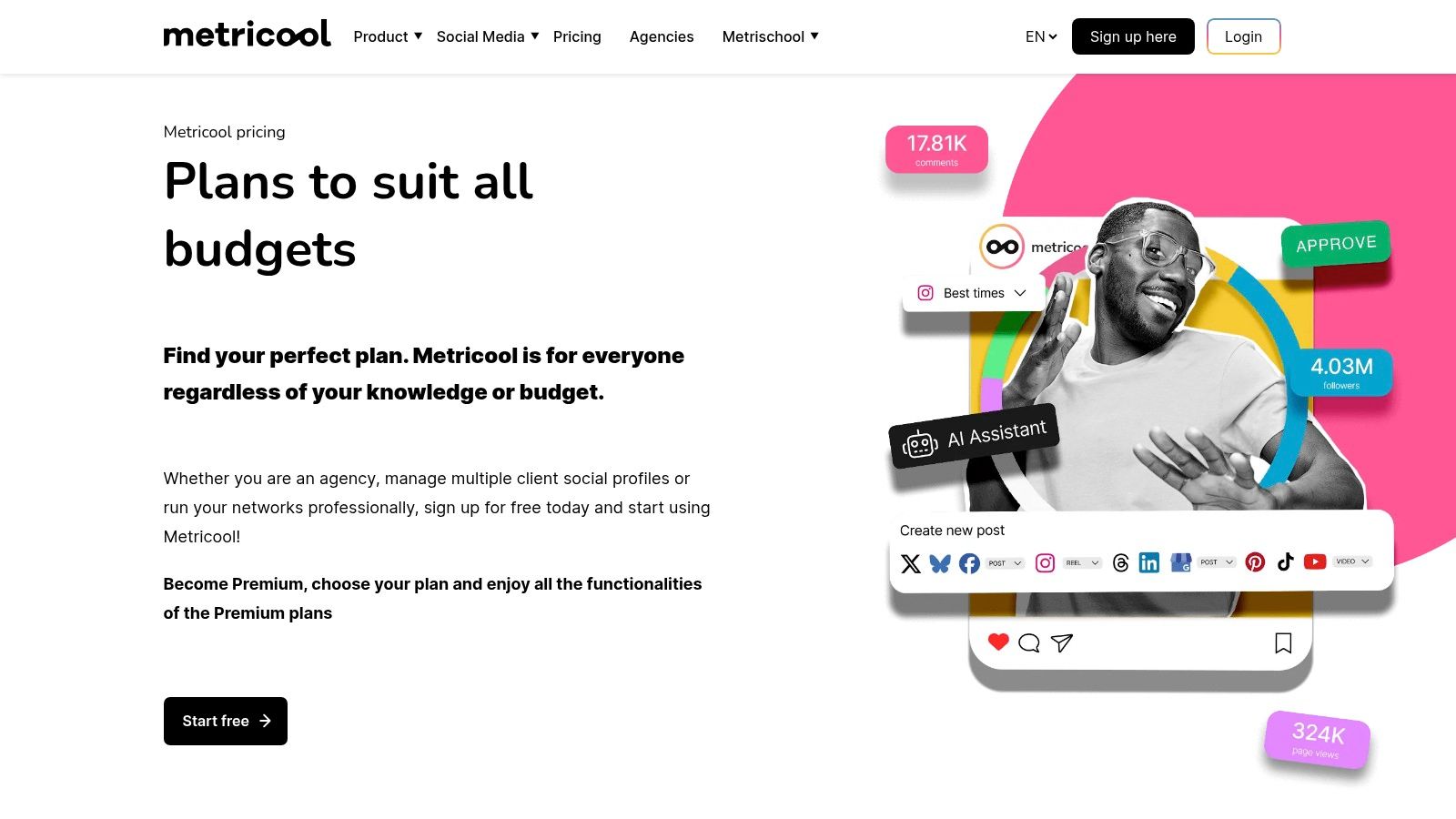
The platform provides deep Instagram analytics, including follower growth, demographic data, and post performance, with unlimited historical data available on paid plans. Its ability to generate professional, downloadable PDF and PPT reports with custom branding makes it ideal for client management. The inclusion of competitor analysis even at lower-priced tiers gives users a strategic edge without a hefty investment, solidifying its place as a top-value analytics solution.
Core Features & Use Case
- Best for: Agencies, freelancers, and marketers managing multiple brands who need a budget-friendly, all-in-one analytics and reporting tool.
- Unique Offering: A very competitive pricing structure that scales by brand, not just by user or profile, making it highly economical for agencies.
- Pro Tip: Use the Looker Studio (formerly Google Data Studio) integration to combine your Instagram data with other marketing channel metrics for a holistic campaign performance dashboard.
8. Keyhole
Keyhole excels at real-time campaign tracking and hashtag monitoring, making it a powerful IG analytics tool for brands focused on user-generated content (UGC) and influencer marketing. Its strength lies in its ability to track hashtags, mentions, and keywords as they happen, providing immediate insights into campaign performance and brand sentiment. The platform is designed for dynamic monitoring, with alerts and shareable dashboards that keep teams aligned.
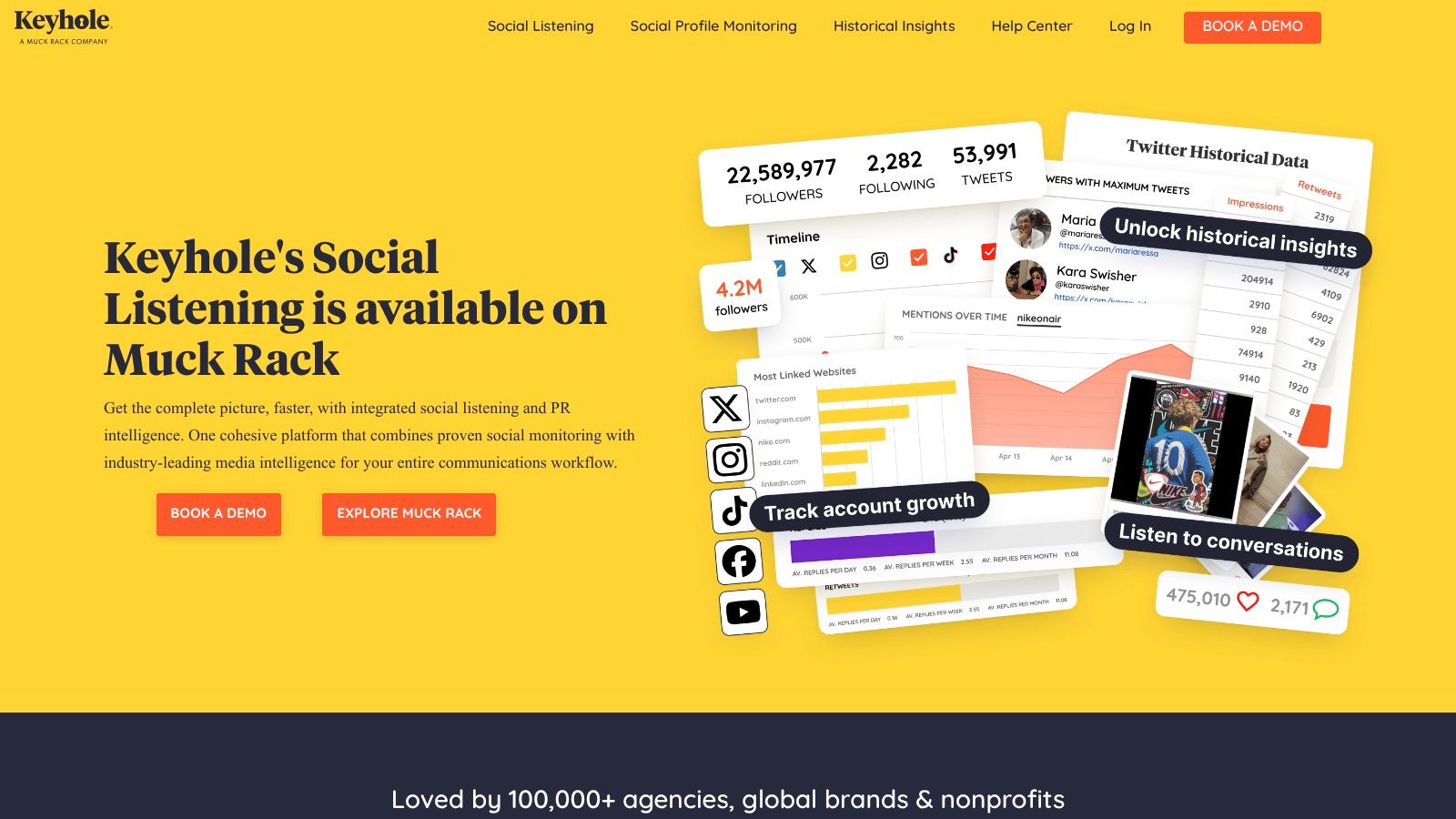
While it offers robust profile analytics, including Stories metrics and historical data backfills, its primary value is in live tracking. The clear documentation on Meta API limits sets realistic expectations about what data is accessible. The platform’s reporting features, which allow exports to PDF, Excel, and Google Sheets, are particularly useful for agencies and marketing teams who need to present campaign results to stakeholders in a clean, professional format.
Core Features & Use Case
- Best for: Agencies and brands running live hashtag campaigns, tracking influencer performance, or monitoring user-generated content.
- Unique Offering: Real-time hashtag and keyword tracking with alerts, plus easily shareable, live dashboards for campaign monitoring.
- Pro Tip: Set up alerts for your primary campaign hashtags and brand mentions to quickly identify and engage with high-performing UGC.
9. Rival IQ
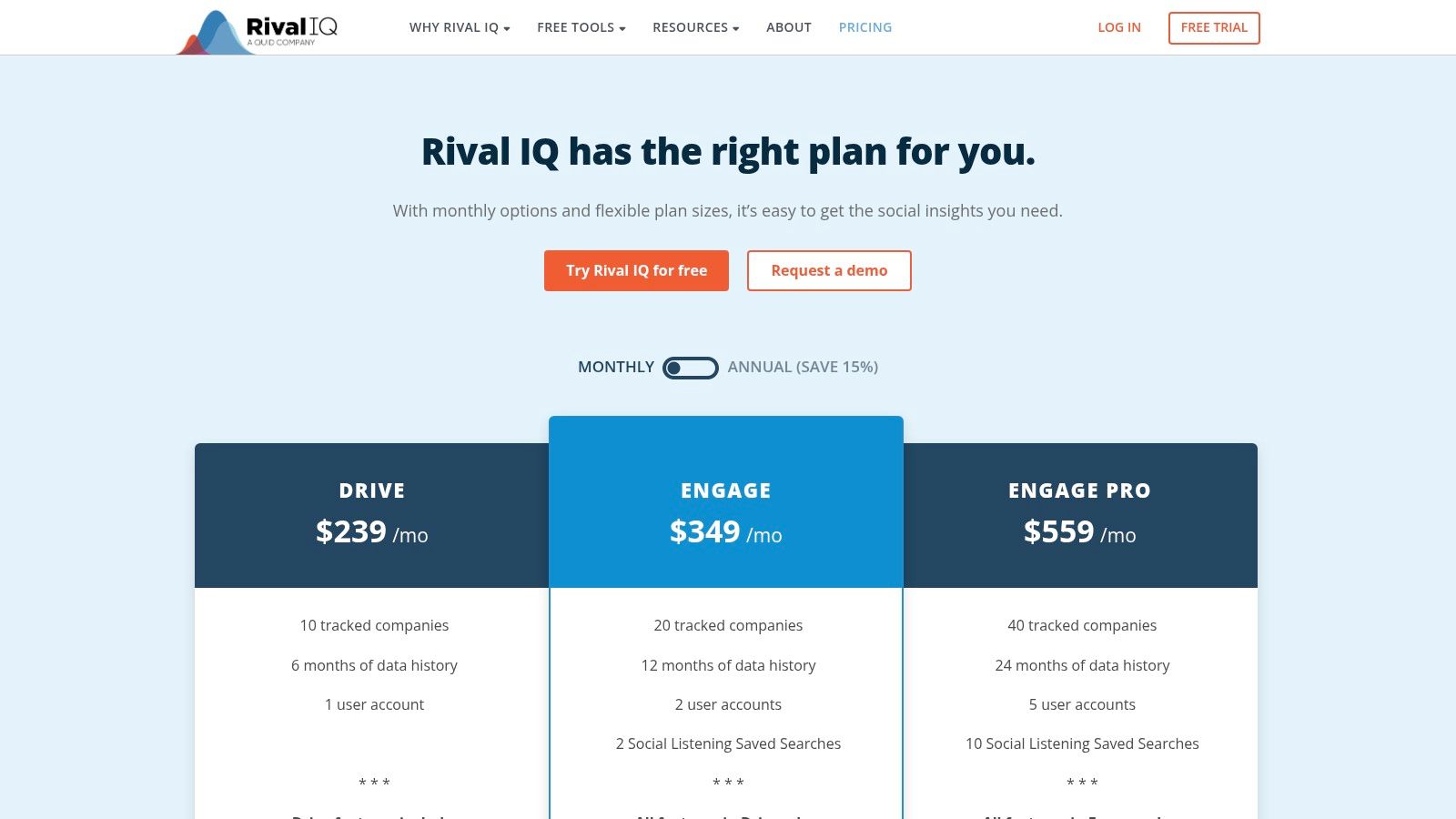
Rival IQ carves out a niche as a powerful competitive social analytics platform, making it a go-to IG analytics tool for brands and agencies obsessed with outperforming the competition. Its core strength lies in its benchmarking capabilities, which allow you to compare your performance not just against direct competitors but also against industry-wide averages. This context is invaluable for setting realistic goals and understanding where you truly stand in your market.
Instead of just showing your data in a vacuum, Rival IQ provides a comparative lens on everything from engagement rates to post frequency and hashtag strategy. It helps you answer the critical question: "Are we doing well compared to others?" This focus on competitive intelligence and automated, presentation-ready reports makes it a strategic asset for data-driven marketing teams looking to justify their social media efforts and identify opportunities for growth.
Core Features & Use Case
- Best for: Agencies and brands prioritizing competitive intelligence and industry benchmark reporting.
- Unique Offering: Unmatched competitor and landscape analysis that benchmarks your performance against custom-built competitor lists or industry averages.
- Pro Tip: Use the "Alerts" feature to get notified when a competitor has a viral post. This allows you to quickly analyze what made it successful and adapt your own content strategy in near real-time.
10. HypeAuditor
HypeAuditor is less of a traditional IG analytics tool for your own account and more of an essential platform for influencer marketing intelligence. Its primary function is to vet potential creator partners by auditing their audience quality, detecting fake followers, and analyzing engagement authenticity. This protects brands from investing in influencers with inflated metrics, ensuring marketing spend is directed toward genuine reach and impact.
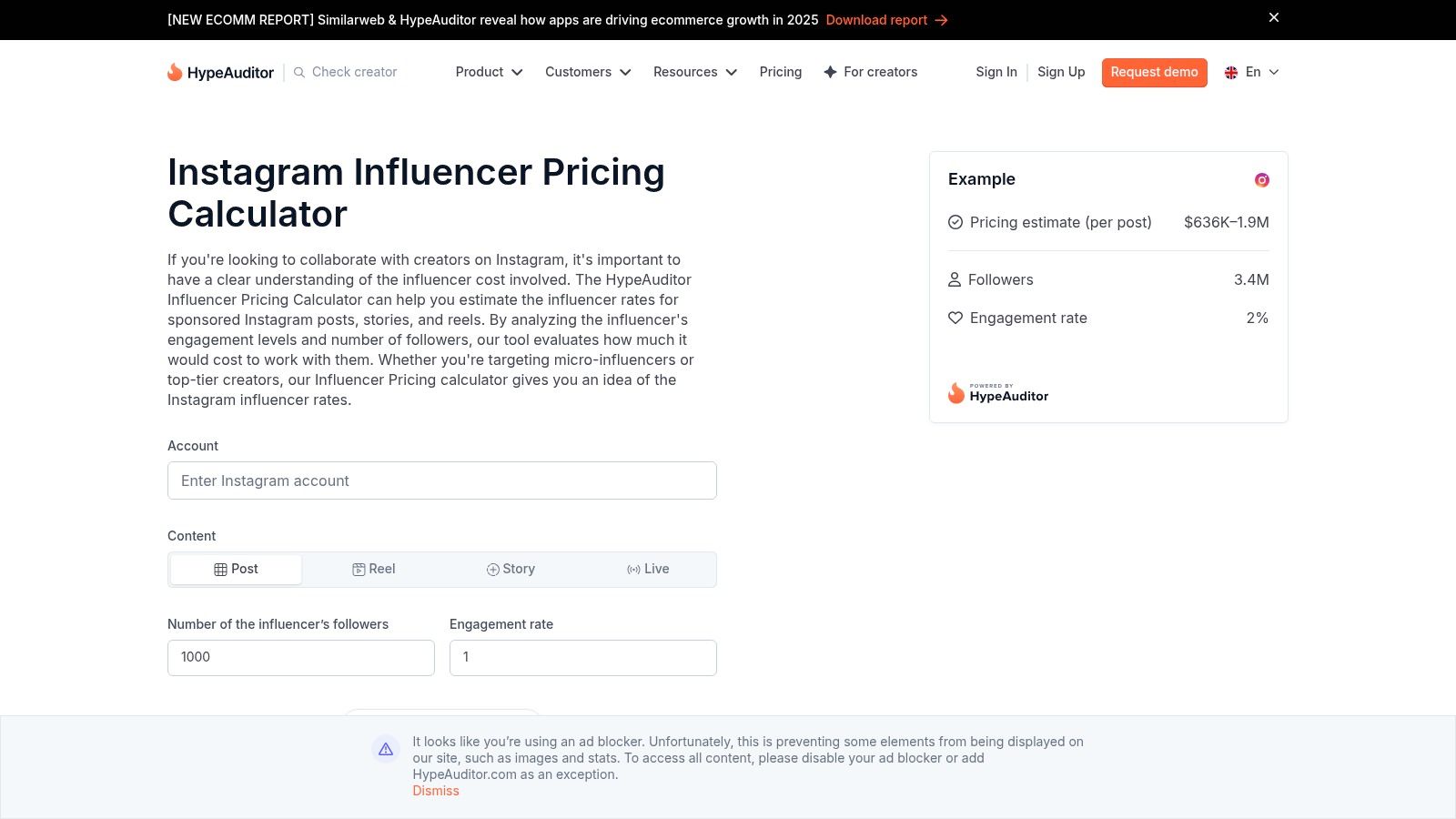
While its focus isn't on owned media performance, it provides indispensable data for the discovery and validation phases of influencer campaigns. Its free calculators also offer a solid starting point for estimating fair compensation. Brands use HypeAuditor to build data-backed influencer strategies, moving beyond vanity metrics to focus on creators who can deliver real results.
Core Features & Use Case
- Best for: Vetting influencer audience quality and discovering authentic creators for marketing campaigns.
- Unique Offering: Advanced audience authenticity checks and fraud detection to identify fake followers and engagement.
- Pro Tip: Use the free pricing calculator before negotiations to establish a data-driven budget for a potential creator collaboration.
11. Social Blade
Social Blade operates less as a deep IG analytics tool and more as a public-facing stats directory for the creator economy. Its primary function is to provide quick, high-level snapshots of any public Instagram account's follower growth, engagement rates, and projected trends. It is an excellent resource for external benchmarking, competitor analysis, and initial influencer vetting without needing account access.
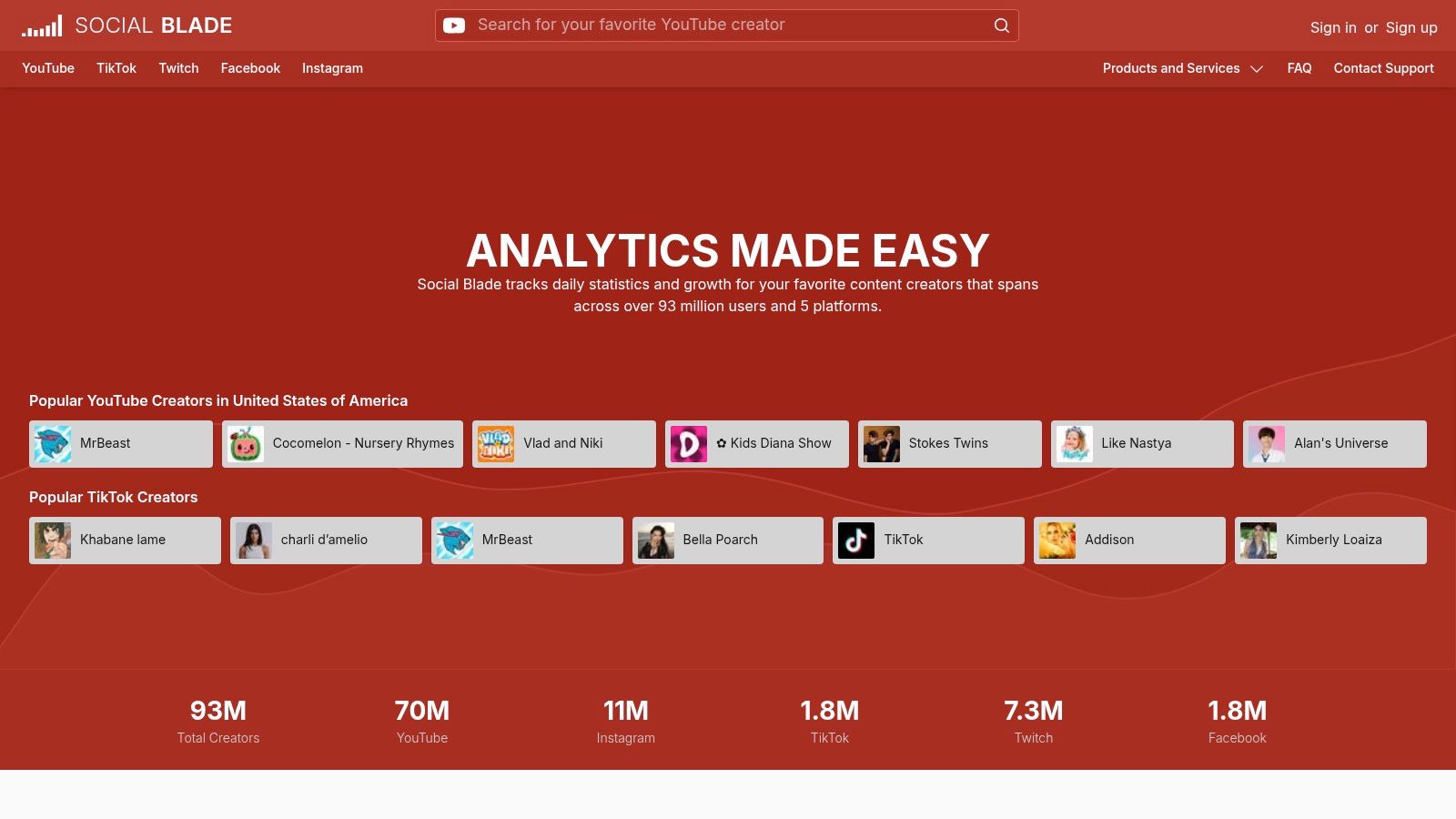
While it will never replace the detailed first-party data from Instagram Insights, Social Blade’s strength lies in its speed and accessibility. In seconds, you can pull up a growth chart for a competitor or compare multiple potential influencers side-by-side. It offers a free, immediate way to gauge an account's trajectory and public performance metrics, making it a valuable tool for market research and trend spotting.
Core Features & Use Case
- Best for: Quick, high-level competitor analysis and vetting potential influencer partners by viewing their public growth trends.
- Unique Offering: Provides a simplified, ranked view of top creators by country or category, making it easy to discover industry leaders.
- Pro Tip: Use the "Future Projections" feature to get a data-driven estimate of an account's growth, but cross-reference it with recent content performance for a more realistic forecast.
12. Brandwatch
Brandwatch is an enterprise-grade social media suite where Instagram analytics is one component of a much larger listening and consumer intelligence engine. It moves beyond simple performance metrics, allowing large brands to tap into public IG data sources for trend spotting, competitor benchmarking, and understanding audience sentiment at scale. This makes it a powerful IG analytics tool for organizations that need to integrate social data into broader business intelligence.
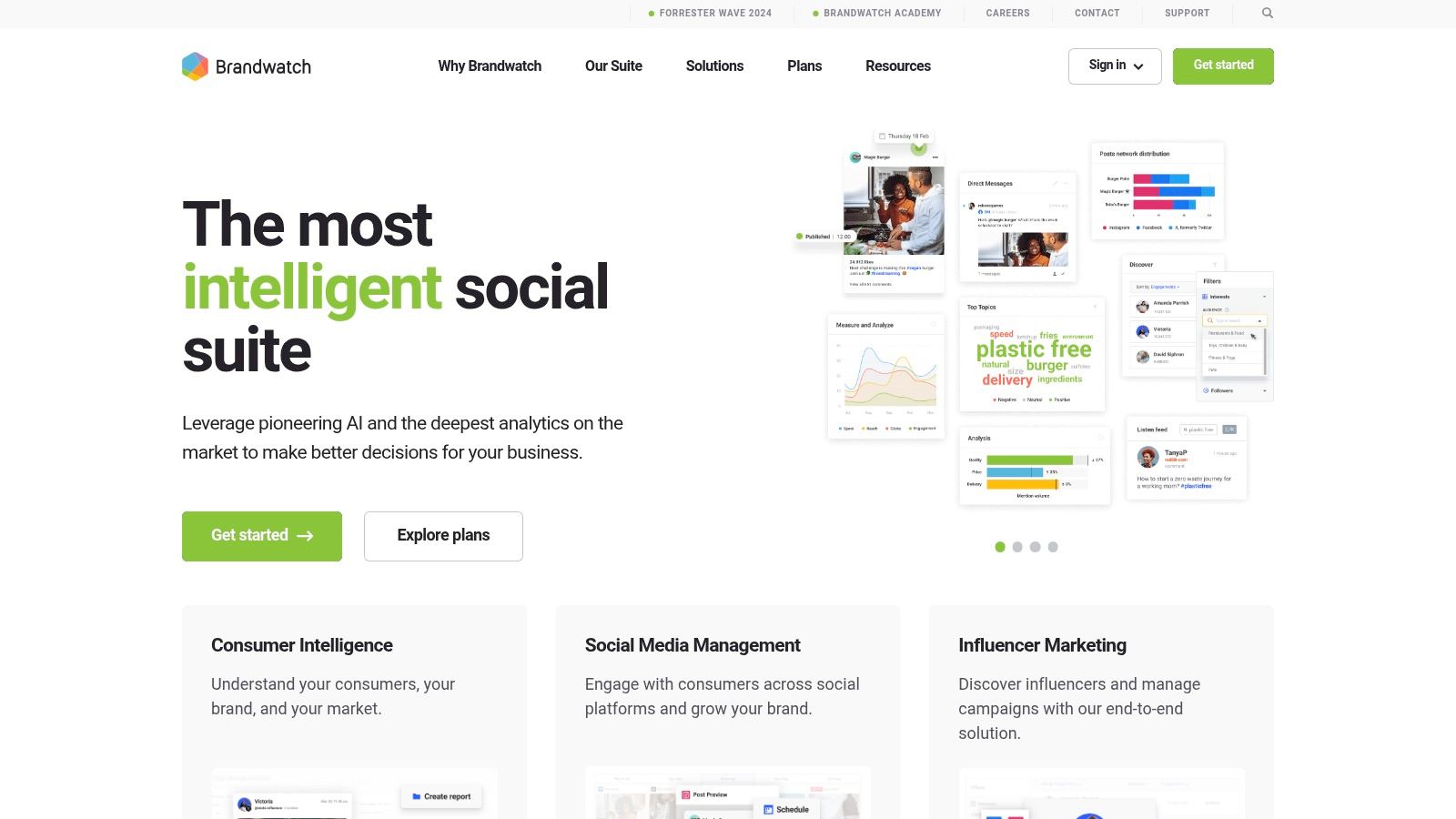
The platform is built for complex workflows, featuring dedicated modules for influencer management, content publishing, and community engagement. Its true strength lies in its integration capabilities with BI tools like Looker, enabling teams to build custom, comprehensive marketing dashboards. While its extensive features and enterprise pricing are overkill for smaller businesses, it provides unparalleled depth for corporations needing to contextualize Instagram performance within the wider market landscape.
Core Features & Use Case
- Best for: Enterprise brands requiring deep social listening, consumer intelligence, and competitor benchmarking alongside their own Instagram analytics.
- Unique Offering: Integrations with BI tools and access to public Instagram data for comprehensive market and trend analysis.
- Pro Tip: Use the benchmarking tools to compare your share of voice on key topics against competitors, not just follower growth or engagement rates.
Top 12 Instagram Analytics Tools: Quick Comparison
Making Your Final Decision on an Analytics Tool
Navigating the crowded market for an IG analytics tool can feel overwhelming, but the right choice boils down to a clear understanding of your specific needs. We've explored a dozen powerful platforms, from the foundational Instagram Insights to sophisticated, enterprise-level solutions like Sprout Social. Each tool offers a unique blend of features designed for different users, budgets, and strategic objectives.
The key takeaway is that there is no single "best" tool; there is only the best tool for your business. Your decision-making process should be an internal audit of your goals. Are you a solopreneur needing efficient scheduling and basic performance tracking? A tool like Buffer or Later might be your perfect match. Are you a marketing agency juggling multiple clients and requiring in-depth competitor analysis and professional reports? Investigating platforms like Rival IQ or Iconosquare is a logical next step.
A Practical Framework for Choosing Your Tool
To move from analysis to action, consider these final steps. This structured approach will help you select an IG analytics tool that not only fits your workflow but actively enhances it.
- Define Your Core Objective: What is the number one problem you need to solve? Is it proving ROI, understanding audience demographics, tracking influencer campaigns, or saving time on scheduling? Answering this question will immediately narrow your options. For instance, if influencer vetting is paramount, a specialized tool like HypeAuditor is a clear frontrunner.
- Assess Your Budget and Team Size: Be realistic about your financial and human resources. A powerful tool like Sprout Social is an excellent investment for a dedicated social media team, but it may be overkill for a small business owner. Conversely, relying solely on native Insights might be cost-effective but could create significant workflow bottlenecks as your brand grows.
- Prioritize the User Experience: The most feature-rich platform is useless if your team finds it difficult to navigate. A clean, intuitive interface is crucial for adoption and consistent use. This is where free trials become invaluable.
- Leverage Free Trials: Almost every paid IG analytics tool on our list offers a free trial or a limited free plan. Make a shortlist of your top two or three contenders and commit to testing them thoroughly. Connect your Instagram account, schedule a few posts, run a report, and explore the analytics dashboard. This hands-on experience provides more clarity than any review ever could.
Ultimately, selecting the right IG analytics tool is a strategic decision that empowers you to transform raw data into actionable intelligence. It's about moving beyond vanity metrics and understanding the "why" behind your performance. With the insights gained from a dedicated tool, you can create more resonant content, foster a more engaged community, and drive tangible business results. The perfect platform is out there waiting to help you unlock your Instagram's full potential.
Ready to turn your analytics into high-performing ad campaigns? Adworkly specializes in creating and managing targeted social media advertising strategies that drive real growth. Visit Adworkly to see how our expertise can help you leverage your data for maximum ROI.