
 UGC Infra
The Top 12 Mobile App Analytics Platforms for Growth in 2026
Discover the 12 best mobile app analytics platforms for 2026. Compare features, pricing, and pros/cons to find the right tool for app growth.
In the crowded app marketplace, understanding user behavior is a necessity for survival and growth. The right data unlocks critical insights into how users engage, where they drop off, and what features drive retention and revenue. Without a clear view of these metrics, your growth strategy is based on guesswork. The challenge is navigating the dozens of mobile app analytics platforms available, each with unique strengths, SDK tradeoffs, and specific use cases.
This guide cuts through the noise. We provide a detailed, actionable comparison of the top 12 platforms, from all-in-one product analytics suites like Mixpanel and Amplitude to specialized mobile measurement partners (MMPs) such as AppsFlyer and Adjust. Our goal is to help you find the perfect fit for your app's stage, goals, and technical resources. We move beyond generic feature lists to give you an honest assessment of limitations, real-world implementation considerations, and strategic recommendations for different app types.
For each platform reviewed, you will find a concise breakdown of its core features, pricing tiers, and ideal use cases, complete with screenshots and direct links to help your evaluation. We also cover practical aspects like data privacy, integration capabilities, and even provide sample event schemas to guide your setup. After all, the best analytics tool is useless if the data isn't presented clearly. Selecting a platform with strong visualization capabilities is crucial, a concept explored in guides on how to design dashboards for mobile users. This comprehensive resource will equip you to make an informed decision and build a solid foundation for sustainable app growth.
1. Google Analytics for Firebase
Google Analytics for Firebase is often the default starting point for app developers, and for good reason. It’s a powerful, free, and deeply integrated solution within the Google ecosystem, making it one of the most comprehensive free mobile app analytics platforms available. It leverages the robust Google Analytics 4 (GA4) measurement model, allowing you to track user behavior with event-based analytics, analyze funnels, and build audience segments for targeted engagement.

Its primary strength lies in its seamless integration with other Firebase products like Crashlytics, Remote Config, and Firebase Cloud Messaging (FCM). This synergy allows you to not only measure user actions but also act on them. For instance, you can create an audience of users who dropped off at a specific checkout step and then target them with a promotional push notification via FCM. For app developers focused on monetization, its direct link to Google Ads and AdMob simplifies campaign tracking and optimization, providing clear insights into your mobile app user acquisition strategies.
Key Features & Considerations
- Pricing: The core analytics functionality is completely free, with unlimited reporting for up to 500 distinct event types. Costs only appear if you need advanced features like exporting raw data to BigQuery, which operates on Google Cloud's pay-as-you-go pricing.
- Best For: Startups, indie developers, and businesses already invested in the Google advertising ecosystem. It’s an excellent choice for those needing a powerful, cost-effective solution to get started.
- Limitation: The user interface, now based on GA4, has a steeper learning curve compared to the classic Firebase console. While powerful, getting to your data can feel less intuitive initially.
When implementing Firebase, remember that securing your backend is crucial. Following the Top 10 API Security Best Practices for Supabase & Firebase is essential to protect user data and prevent unauthorized access to your project resources.
2. Mixpanel
Mixpanel has established itself as a leader among event-based mobile app analytics platforms, prized for its powerful self-serve interface designed for product teams. It excels at helping you understand not just what users are doing, but why they are doing it. With core reports for funnels, user flows, and retention, teams can quickly move from data to insights without needing a data scientist to write complex queries. Its user-friendly design and speed make it a go-to for analyzing user behavior and product interactions in real time.
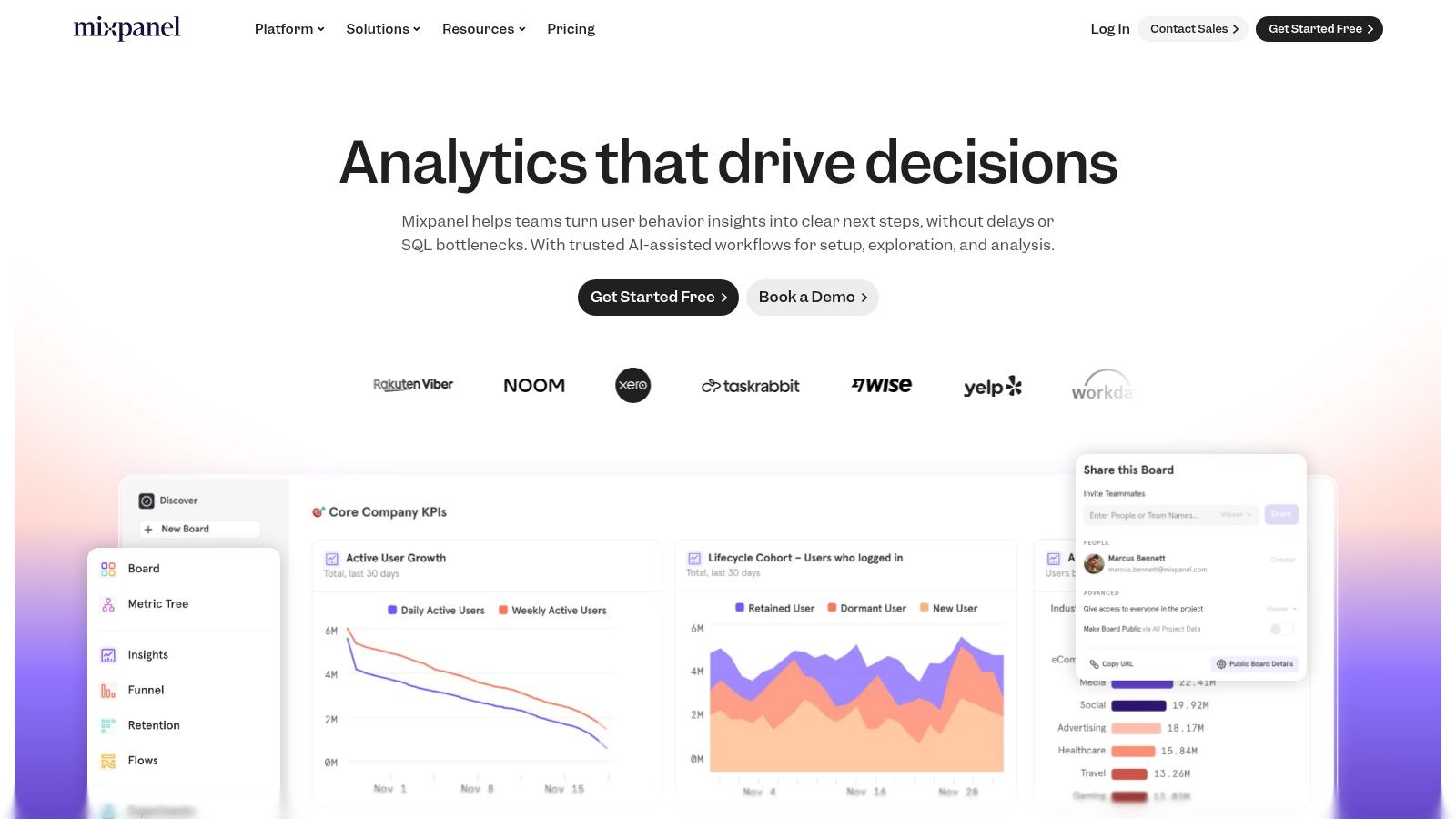
The platform's strength is in its focus on actionability. Instead of just presenting data, Mixpanel encourages exploration. For example, its Flows report can uncover unexpected user paths, while its retention analysis is critical for developing effective mobile app retention strategies. Recent additions like an AI-assisted query builder and session replays further lower the barrier to deep user understanding, allowing marketing and product teams to answer their own questions instantly. This self-serve model empowers teams to iterate on their product faster based on direct user feedback.
Key Features & Considerations
- Pricing: Mixpanel offers a generous free plan for up to 20 million events per month. The Growth plan uses a transparent, usage-based model, making it scalable. Add-ons like Data Pipelines for warehouse exports are available at an extra cost.
- Best For: Product-led companies, startups, and SMBs that need deep, self-serve user behavior insights without a heavy reliance on engineering resources. Its robust reporting is ideal for teams focused on optimizing engagement and retention.
- Limitation: Costs can escalate quickly if your event tracking is not planned carefully. Advanced features like data governance and certain specialized reports are reserved for the more expensive Enterprise tier.
3. Amplitude
Amplitude is a powerful product analytics suite that goes beyond simple event tracking to help teams understand the entire user journey. It’s designed for product, marketing, and data teams who need deep insights into user behavior to drive growth and retention. As one of the more mature mobile app analytics platforms, Amplitude excels at behavioral cohort analysis, allowing you to segment users based on their actions and measure how different features impact long-term engagement.
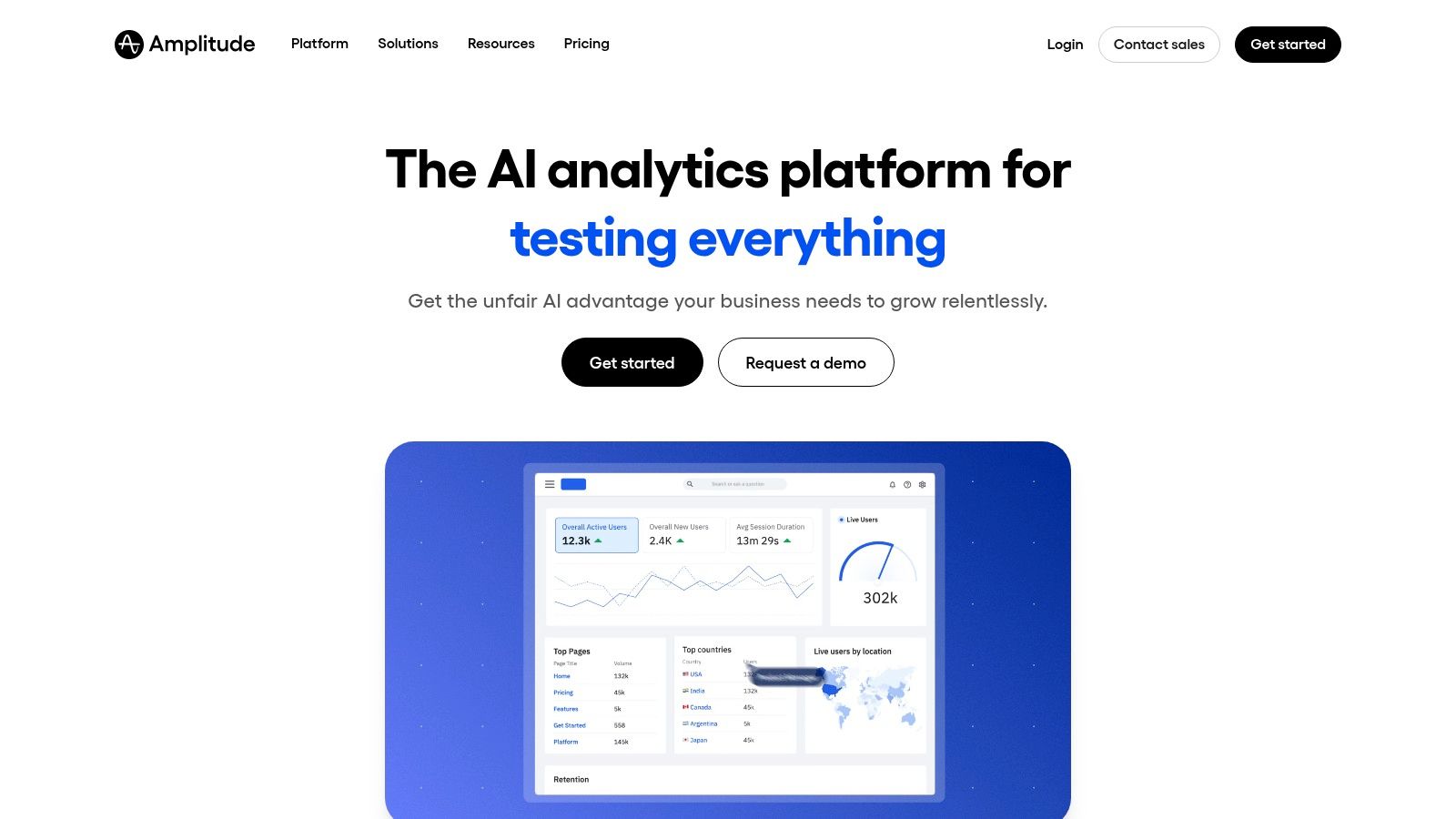
The platform's strength is its unified approach. It combines core analytics like funnels and retention charts with advanced tools like session replay, feature flags, and A/B testing. This integration means you can identify a drop-off point in a user journey, watch session replays to understand the "why" behind the data, and then deploy a new feature flag or experiment to fix the issue, all within the same ecosystem. This tight feedback loop accelerates product iteration and helps teams build better, more engaging applications based on concrete evidence.
Key Features & Considerations
- Pricing: The free Starter plan is generous, offering up to 10 million events per month, making it accessible for startups. The Plus plan is available for self-serve purchase, while the Growth and Enterprise tiers require contacting sales and can become a significant investment as you scale.
- Best For: Product-led companies and data-driven teams that need a single source of truth for user behavior, product analytics, and experimentation. It’s ideal for those ready to move beyond basic metrics to deeply understand user motivation and improve retention.
- Limitation: The pricing model is based on monthly tracked users (MTUs) and event volume, which requires careful planning and event tracking implementation to manage costs effectively. Higher-tier plans that unlock the full suite can be costly for smaller teams.
4. PostHog
PostHog is an all-in-one product analytics suite that combines several tools into a single platform, making it a powerful choice for engineering-led teams. It goes beyond standard event tracking by including session replay, feature flags, A/B testing, and user surveys. This integrated approach allows teams to not only understand user behavior but also to actively influence it through experimentation and feature management, positioning it as one of the more versatile mobile app analytics platforms.
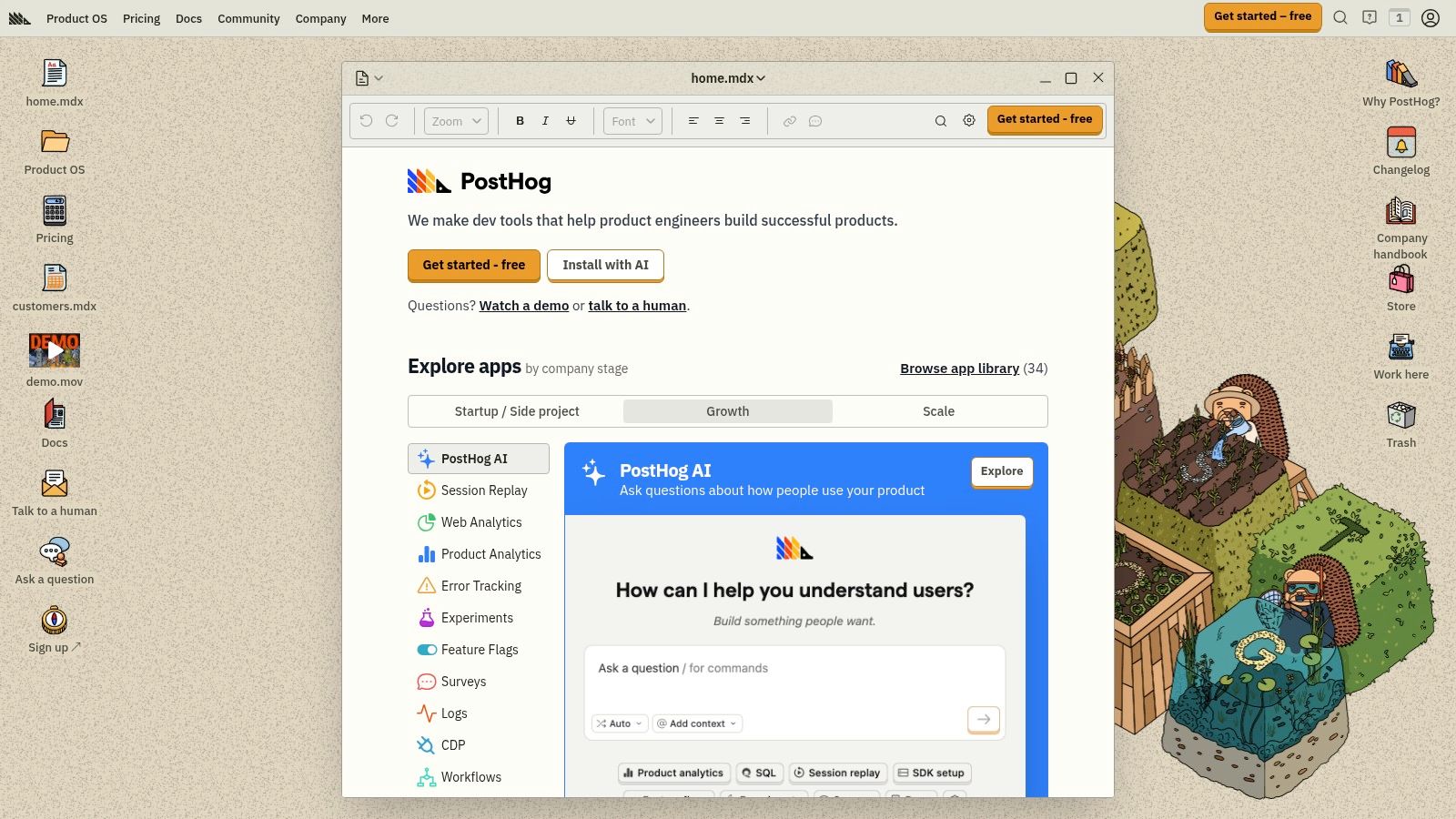
Its standout feature is its deployment flexibility; PostHog is available as a fully managed cloud service or as a self-hosted open-source solution. This gives companies complete control over their data, a critical consideration for those with strict data privacy or compliance requirements like GDPR. The platform's transparent, usage-based pricing and generous free tier for core features make it accessible for startups, while its data pipeline tools allow for easy integration with data warehouses as a company scales.
Key Features & Considerations
- Pricing: Offers a generous free tier, including 1 million monthly analytics events and 5,000 session replays. Paid plans use transparent, usage-based pricing for different products, with options for add-ons.
- Best For: Engineering and product teams who want an integrated toolset for analytics, feature management, and A/B testing. It is also ideal for companies needing a self-hosted or open-source solution for data control.
- Limitation: The extensive product suite and pricing menu can feel complex for newcomers. While the core platform is robust, some advanced support and features require paid add-ons.
5. Countly
Countly carves out a unique space in the market by prioritizing data privacy, ownership, and control. It offers a comprehensive suite of tools including analytics, crash reporting, and push notifications, all under a model that allows for either self-hosting or private cloud deployment. This makes it one of the few mobile app analytics platforms that gives organizations complete command over their user data, a critical requirement for industries with strict data residency and compliance needs like healthcare or finance. The platform's plugin-based architecture allows teams to enable only the features they need, creating a customized and efficient analytics environment.
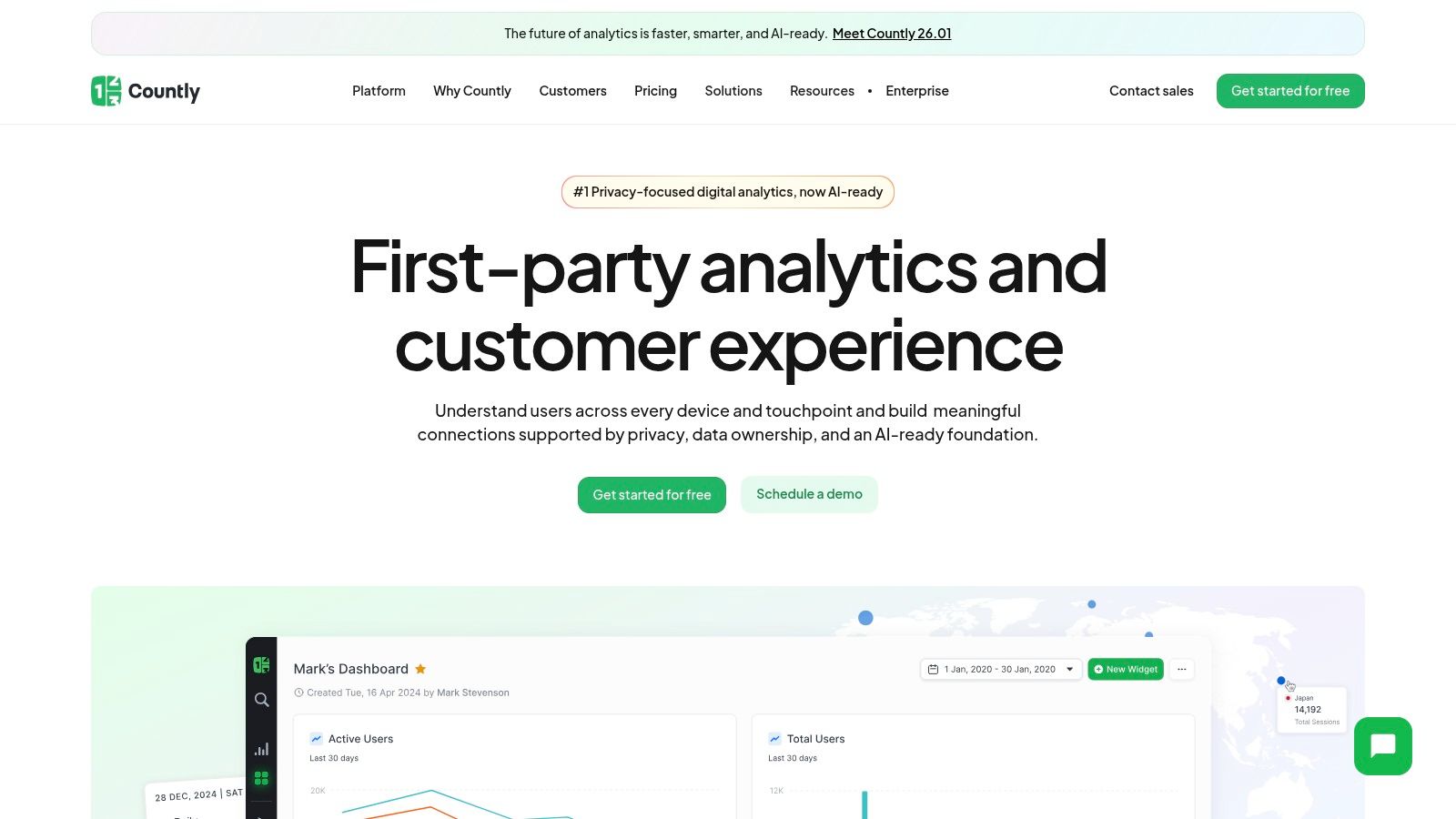
Its core differentiator is its deployment flexibility. The open-source Community Edition can be deployed on your own infrastructure for free, providing essential analytics capabilities without vendor lock-in. For teams requiring more advanced features and dedicated support, the Enterprise Edition offers a managed service or can be deployed in a private cloud environment of your choice. This focus on data sovereignty is a powerful value proposition for any organization where user data privacy is not just a feature, but a foundational requirement of their business model.
Key Features & Considerations
- Pricing: The Community Edition is open-source and free to self-host. The paid Enterprise Edition offers flexible pricing based on features and scale, requiring a direct quote for its cloud or on-premise solutions.
- Best For: Companies in regulated industries (e.g., healthcare, finance), government agencies, or any app developer who needs full control over their data or requires an on-premise analytics solution.
- Limitation: The user interface and overall ecosystem can feel less polished and turnkey compared to larger, fully managed SaaS competitors. Setting up and maintaining the self-hosted version requires dedicated technical resources.
6. UXCam
Where most analytics tools show you what users are doing, UXCam shows you why. It specializes in qualitative analytics, offering powerful session replay and heatmap tools that let you watch actual user sessions to understand their behavior on a micro level. This visual approach is invaluable for diagnosing user experience (UX) issues, identifying points of frustration, and seeing firsthand where users get stuck or confused in your app’s interface.

UXCam stands out by bridging the gap between quantitative data and qualitative insights. Instead of just seeing a drop-off in a funnel, you can watch recordings of users who dropped off to see the exact UI interaction that caused the problem. This makes it one of the most effective mobile app analytics platforms for product managers, UX designers, and support teams aiming to resolve bugs, improve onboarding flows, and boost conversion rates by optimizing the user journey. Its focus on visual evidence helps teams build empathy and make more informed, user-centric product decisions.
Key Features & Considerations
- Pricing: UXCam offers a free plan with a limited number of monthly sessions. Paid plans (Growth and Enterprise) are quote-based and require contacting their sales team for pricing, which is tailored to your app's scale and feature needs.
- Best For: Product and UX teams focused on improving user retention, conversion, and overall app usability. It’s an ideal tool for visually diagnosing UI/UX friction and validating design hypotheses with real user behavior.
- Limitation: As a specialized tool, it isn't a replacement for a full quantitative analytics suite. Additionally, at a very large scale, you may need to rely on session sampling to manage costs and data volume, potentially missing some outlier issues.
7. Adjust
Adjust positions itself primarily as a mobile measurement partner (MMP), but its powerful analytics suite makes it a formidable contender among mobile app analytics platforms. Its core strength lies in providing a unified view of marketing performance by attributing user actions back to specific campaigns, ad networks, and creatives. This makes it an indispensable tool for growth and marketing teams focused on optimizing ad spend and maximizing return on investment (ROI). With robust support for SKAdNetwork, it offers reliable attribution in the privacy-centric iOS ecosystem.
The platform excels at connecting marketing efforts with in-app behavior. Using Adjust, you can track the entire user journey from the first ad impression to long-term actions like purchases or subscriptions. Its Datascape reporting tool allows you to visualize and analyze complex datasets, comparing performance across different channels to understand which sources drive the most valuable users. This deep focus on attribution and campaign performance analytics is what sets it apart from more product-focused platforms.
Key Features & Considerations
- Pricing: Adjust offers a "Base" plan that is free for up to 12 months, including 1,500 monthly attributions, making it accessible for early-stage apps. Higher volumes and advanced features require custom "Core" or "Enterprise" contracts, with many growth tools like fraud prevention available as paid add-ons.
- Best For: Performance marketing and growth teams that need precise attribution, LTV calculation, and ROI analysis for paid user acquisition campaigns. Its strong compliance posture (GDPR/CCPA) also makes it ideal for apps operating in regulated markets.
- Limitation: While excellent for marketing analytics, its product analytics capabilities are less comprehensive than dedicated product platforms. Teams looking for deep behavioral cohorting or feature-level A/B testing might need to supplement it with another tool.
8. AppsFlyer
AppsFlyer is primarily known as an industry-leading mobile measurement partner (MMP) rather than a pure analytics tool, but its role in the ecosystem is critical. It excels at mobile attribution, helping app marketers understand which campaigns and channels are driving installs and in-app events. This focus on attribution makes it one of the most essential mobile app analytics platforms for businesses that invest heavily in paid user acquisition and need to measure marketing ROI with precision.
The platform’s core strength is its robust and unbiased measurement across thousands of integrated ad networks. It provides sophisticated tools for deep linking, fraud protection, and privacy-centric attribution through its SKAdNetwork solutions. While other platforms in this list focus more on in-app user behavior, AppsFlyer answers the crucial question: "Where did my most valuable users come from?" This makes it an indispensable part of the martech stack for performance marketing teams aiming to optimize ad spend effectively.
Key Features & Considerations
- Pricing: AppsFlyer offers a "Zero" plan for owned media attribution and a "Welcome" package for new users. The "Growth" plan is priced per conversion, while large-scale and enterprise features require a custom contract through sales engagement.
- Best For: Advertisers, agencies, and app businesses of all sizes that prioritize accurate marketing attribution and ROI measurement. It is especially vital for those running paid campaigns across multiple channels.
- Limitation: The free "Zero" plan does not include paid media attribution, which is its core value proposition. The per-conversion pricing on the Growth tier can become costly for apps with high install volumes.
9. Kochava
Kochava is a well-known Mobile Measurement Partner (MMP) that also offers a robust suite of analytics tools, positioning itself as a strong contender among mobile app analytics platforms. It stands out by providing comprehensive attribution, deep linking, and fraud prevention alongside user behavior analysis. Its unique value proposition lies in its unified platform that supports not just mobile apps but also connected TV (CTV), making it ideal for brands with an omnichannel user engagement strategy.

The platform is particularly attractive to early-stage apps thanks to its "Free App Analytics" tier. This allows developers to access core attribution and analytics features without an initial investment, helping them measure campaign performance and understand user funnels from day one. Its SmartLinks feature simplifies the creation of deep links that work across various platforms, enhancing the user journey from ad click to in-app action. This combination of free access and advanced attribution makes Kochava a powerful starting point for performance marketing.
Key Features & Considerations
- Pricing: Kochava offers a forever-free tier called Free App Analytics, which includes generous limits on conversions and events suitable for new apps. Paid plans unlock higher data volumes, advanced features, and more comprehensive support as your app scales.
- Best For: Startups and developers launching on both mobile and CTV, as well as performance marketers who need a cost-effective way to start with advanced attribution and analytics.
- Limitation: While the free tier is very useful, growing apps will quickly hit the data caps, requiring an upgrade to a paid plan. The platform's interface can also be complex for beginners due to its extensive feature set focused on media measurement.
10. Flurry Analytics
As one of the earliest players in the mobile analytics space, Flurry Analytics remains a notable and entirely free option for developers. Now owned by Yahoo, it provides foundational insights into user behavior, audience demographics, and app performance across iOS and Android. Flurry is particularly effective for tracking core metrics like active users, sessions, retention, and custom events without any cost, making it a viable choice among mobile app analytics platforms for those on a tight budget.
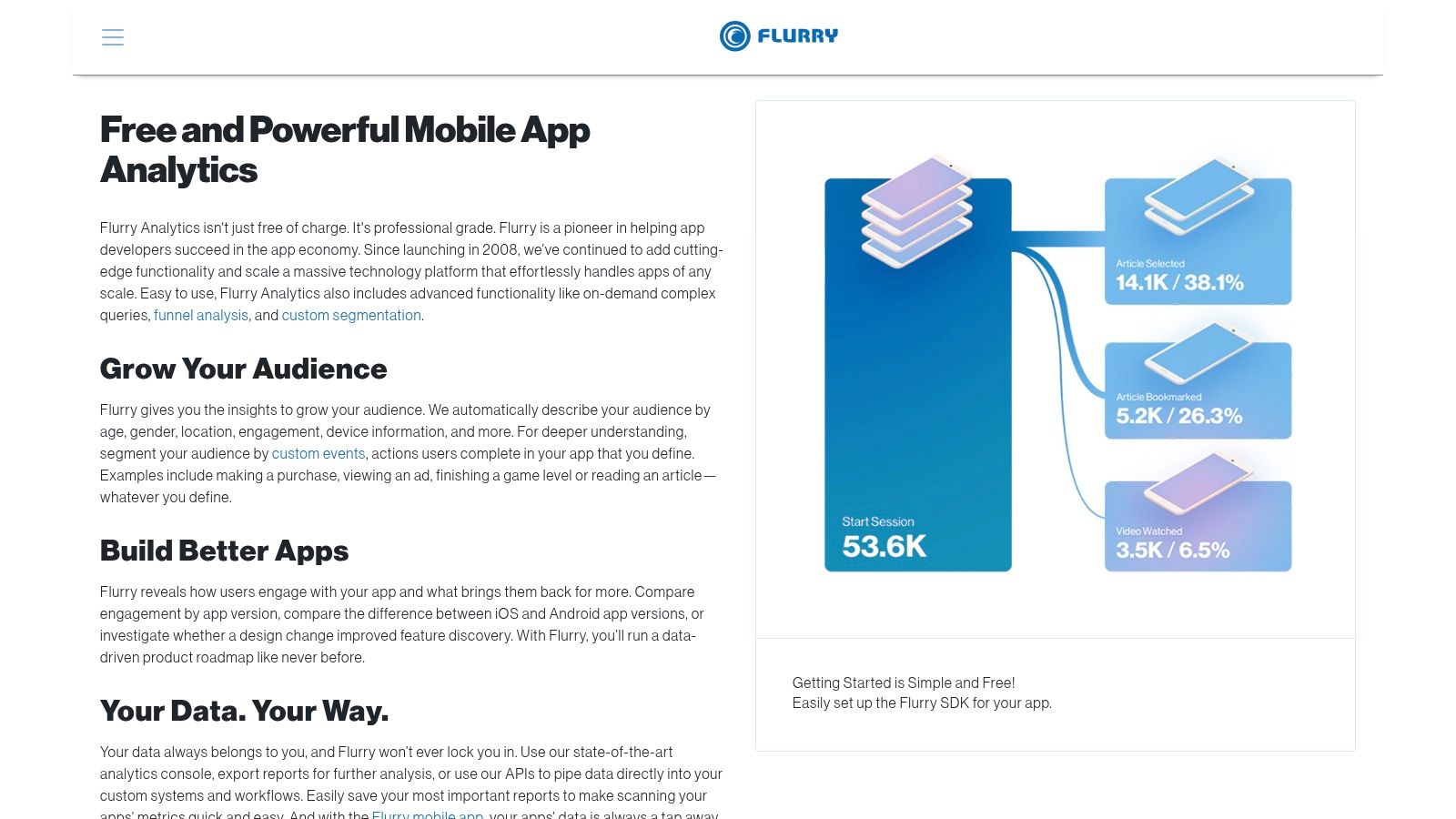
Its primary appeal is its simplicity and zero-cost model. Developers can integrate a lightweight SDK to quickly start gathering data on funnels, user paths, and segments. While it may not offer the sophisticated product analytics or deep integrations of modern paid platforms, Flurry delivers the essential data needed to understand user engagement and guide initial growth strategies. This straightforward approach makes it an excellent tool for indie developers, side projects, or early-stage startups that need reliable analytics without financial commitment.
Key Features & Considerations
- Pricing: Flurry is completely free with no limits on data volume, events, or projects. This makes it one of the most accessible analytics tools on the market.
- Best For: Hobbyist developers, student projects, and lean startups needing a basic, no-cost analytics solution to track essential app metrics.
- Limitation: The platform lacks the depth and real-time capabilities of more advanced competitors. Its integration ecosystem is also smaller, which can be a drawback for teams relying on a modern data stack.
11. Apple App Analytics (App Store Connect)
For any developer publishing on the App Store, Apple's own App Analytics is an indispensable and authoritative source of data. Integrated directly into App Store Connect, it provides first-party metrics on how users discover, download, and engage with your iOS, iPadOS, and macOS applications. This is not a replacement for comprehensive product analytics tools but serves as the foundational layer for understanding your app's performance within the Apple ecosystem.
Its core value lies in tracking the top of the funnel. You get definitive data on impressions, product page views, and downloads, making it a critical tool for App Store Optimization (ASO). The platform also offers insights into sales, in-app purchases, and subscriptions. With user privacy in mind, it provides aggregated and anonymized usage data, such as sessions and active devices, from users who have opted in to share diagnostics. This makes it one of the most essential free mobile app analytics platforms for anyone with an Apple Developer account.
Key Features & Considerations
- Pricing: Completely free and included as part of the Apple Developer Program membership ($99/year). There are no data limits or additional costs for using the analytics features.
- Best For: All iOS and macOS developers. It is the non-negotiable starting point for measuring App Store conversion rates, campaign performance, and high-level engagement metrics.
- Limitation: Its scope is strictly limited to the Apple ecosystem, offering no data for Android. Usage metrics depend entirely on user opt-in, which means the data represents a sample, not your entire user base, and can experience delays.
To get the most value, use App Analytics to measure your ASO and paid campaign effectiveness, then pair it with a more granular, event-based platform to understand in-app user behavior. You can learn more at the App Store Connect website.
12. data.ai (formerly App Annie)
While most tools on this list focus on your app’s internal data, data.ai (formerly App Annie) provides a critical external perspective. It’s a market intelligence platform that gives you a high-level view of the entire app ecosystem, helping you understand where your app fits. Instead of tracking your own user events, it delivers estimated download, revenue, and usage data for millions of apps, making it one of the most powerful mobile app analytics platforms for competitive analysis and strategic planning.
Its core strength is in benchmarking. You can see how your app’s growth metrics stack up against direct competitors or the broader market category. This insight is invaluable for setting realistic performance goals and identifying market opportunities. For instance, you can analyze the top-performing apps in your niche to deconstruct their monetization strategies or inform your own ASO efforts. Understanding these market dynamics is a key component of a successful app store optimization strategy.
Key Features & Considerations
- Pricing: Access to basic store rankings is free, but the core market intelligence features for download and revenue estimates are part of premium, enterprise-level plans with sales-led pricing.
- Best For: Product managers, marketers, and investors at mid-to-large scale companies who need to make strategic decisions based on competitive intelligence and market trends.
- Limitation: The data provided are estimates and not a substitute for your own first-party analytics. Furthermore, its acquisition by competitor Sensor Tower in March 2024 may lead to future changes in product access and pricing.
Top 12 Mobile App Analytics Platforms: Side-by-Side Comparison
From Data to Decisions: Making Your Analytics Actionable
Navigating the landscape of mobile app analytics platforms can feel overwhelming. We've explored a wide spectrum of tools, from foundational platforms like Google Analytics for Firebase to specialized product intelligence suites such as Mixpanel and Amplitude. We've also covered open-source alternatives like PostHog, privacy-first solutions like Countly, and qualitative tools like UXCam that add crucial context to your quantitative data.
Ultimately, the goal is not just to collect data; it is to transform that data into a clear roadmap for growth. Choosing the right platform is the critical first step on that journey. Your decision establishes the foundation for understanding user behavior, validating product hypotheses, and optimizing every stage of the customer lifecycle.
Key Takeaways from Our Platform Review
Reflecting on the twelve platforms detailed in this guide, several core themes emerge. First, there is no single "best" platform for everyone. The ideal choice depends entirely on your app's stage, budget, technical resources, and primary business objectives. An early-stage startup might thrive with Firebase's free tier, while a scaled subscription app will require the sophisticated cohort and funnel analysis offered by Amplitude or Mixpanel.
Second, the distinction between product analytics and mobile attribution is crucial. Tools like Mixpanel focus on in-app user behavior, while platforms such as AppsFlyer and Adjust excel at measuring marketing campaign performance and attributing installs to specific channels. A mature growth stack often requires both, highlighting the importance of seamless integrations.
Finally, privacy is no longer an afterthought. With regulations like GDPR and Apple's App Tracking Transparency (ATT) framework, understanding how a platform handles user data is paramount. Self-hosted solutions like Countly and PostHog offer maximum control, while other platforms provide robust tools to manage consent and ensure compliance.
Your Actionable Next Steps
Armed with this information, it's time to move forward. The process of selecting and implementing one of these mobile app analytics platforms is a strategic project, not just a technical task.
Here is a simplified checklist to guide your next moves:
- Define Your Core KPIs: What are the 3-5 most important metrics for your app's success? This could be Day 7 retention, trial-to-paid conversion rate, or average number of key actions per session. Your chosen KPIs will dictate your event tracking requirements.
- Map Your User Journey: Create a simple flow chart of the critical paths in your app. This includes onboarding, core feature engagement, and monetization funnels. This map will become the basis for your event schema.
- Evaluate Your Top 2-3 Candidates: Based on your stage, budget, and feature needs, shortlist a few platforms. Request demos, review their documentation, and assess the quality of their SDKs. Pay close attention to how easily they integrate with your existing marketing and development tools.
- Create a Phased Implementation Plan: Start small. Begin by tracking core events like
app_opened,user_signup, andpurchase_completed. You can add more granular events later. A phased approach prevents your team from getting overwhelmed and ensures data accuracy from day one.
Choosing and implementing a platform is just the beginning. The real value emerges when you build a culture of data-informed decision-making. This means regularly reviewing dashboards, forming hypotheses based on user behavior, and running experiments to improve your key metrics. The right analytics tool is your compass, but your team must be prepared to navigate the terrain it reveals.
Feeling overwhelmed by the complexity of turning raw data into a repeatable growth engine? At Adworkly, we specialize in connecting analytics insights to scalable user acquisition and retention strategies. We help you not only choose and implement the right tools but also build the systems that transform your data into measurable results. Learn how Adworkly can build your growth framework.