12 Best Free IG Analytics Tools for 2025
Find the best free IG analytics tools to track your performance. This guide covers 12 options with features, pros, cons, and setup tips to grow your account.
To grow your Instagram account, you need to understand your performance data. Guesswork will not build a sustainable content strategy. The challenge is that many analytics tools require a monthly investment, which is not always feasible for new brands or solo marketers.
This guide provides a look at 12 effective free IG analytics tools. We skip high-level summaries and give you a practical analysis of what each platform offers. You will find a clear breakdown of features, applications, and the limitations of each free plan. This article helps you move from viewing data to extracting insights that inform your content and growth tactics.
Each entry includes screenshots for visual reference and a direct link to get started. We will cover native analytics from Instagram and third-party platforms that offer permanently free tiers. You will learn what each tool measures, how to set it up, and which one best fits your goals. We organized the list to help you identify the best free IG analytics solution for your needs.
1. Meta Business Suite
As the official, native platform, Meta Business Suite is the foundational starting point for any free IG analytics strategy. It provides direct access to first-party data from your Instagram Business or Creator account, ensuring accuracy without third-party tools. This is your most direct line to understanding what Instagram tracks about your performance.
The platform centralizes your Instagram and Facebook metrics in one dashboard. You can access it from your desktop browser, a significant advantage over the mobile-only native analytics. This makes detailed analysis and report generation more efficient.
Key Features & Use Cases
- Unified Dashboard: View and analyze performance metrics for Instagram and Facebook posts, stories, and audience demographics. This helps you identify content that performs well across both platforms.
- Audience Insights: Access demographic data, including age, gender, location, and peak activity times for your followers. Use this data to schedule posts when your audience is most active.
- Content-Specific Metrics: Analyze individual post and story metrics like reach, impressions, likes, comments, shares, and saves. This lets you pinpoint what type of content drives the most engagement.
Practical Considerations
Pro-Tip: Regularly export your data from the Meta Business Suite to a spreadsheet. This practice helps you build a long-term performance history, bypassing the platform's 90-day data retention limit.
Website: https://business.facebook.com/
2. Instagram Insights
For quick, on-the-go performance checks, Instagram's native in-app analytics, known as Instagram Insights, are indispensable. Available directly within the Professional Dashboard for Business and Creator accounts, this tool provides immediate access to first-party data without leaving the app. It is the most convenient way to get a real-time snapshot of your content's performance.
This tool excels at providing contextual metrics right where you need them. You can review post analytics moments after publishing, making it simple to gauge initial audience reception. While Meta Business Suite offers more desktop analysis, Instagram Insights is the superior tool for immediate, mobile-first data review.
Key Features & Use Cases
- Post, Reel, and Story Analytics: Tap "View Insights" on any piece of content to see specific metrics like reach, impressions, profile visits, and website taps. This allows for quick identification of top-performing content formats.
- Audience Demographics: Understand your follower base with data on top locations, age ranges, gender, and most active times. Note that a minimum number of followers is required to access this data.
- Aggregated Performance Views: The "Accounts Reached" and "Accounts Engaged" sections provide a high-level overview of your profile's performance over a set period, helping you track overall growth trends.
Practical Considerations
Pro-Tip: Use the "Most Active Times" data in your Audience Insights to schedule your most important content. Publishing an hour before peak activity can help your posts gain initial traction and improve their chances of being seen by a larger audience.
Website: https://www.instagram.com
3. Buffer
Buffer is known as a social media scheduling platform, but its free plan offers a solid entry point for basic Instagram analytics. It integrates scheduling and analysis, making it a good option if you want to manage your content calendar and track its performance in one workflow. The platform is designed for simplicity.
Buffer’s Free plan supports up to three channels and provides the essential metrics you need for day-to-day tracking. This makes it a good choice for small businesses or individual creators who require straightforward data without the complexity of more advanced tools. Its user-friendly interface simplifies getting quick insights.
Key Features & Use Cases
- Post-Level Analytics: Review metrics for individual posts, including reach, impressions, likes, and comments, directly within your content calendar. This helps you quickly see what is resonating with your audience.
- Combined Scheduling and Reporting: Analyze performance and schedule future content from a single dashboard. Use performance data to inform your content strategy and populate your calendar.
- Simple Overview Reports: Generate clean, easy-to-understand reports on your account's performance. This is ideal for quick updates to stakeholders or for your own weekly performance reviews.
Practical Considerations
Pro-Tip: Use Buffer's scheduling feature to A/B test different post formats or captions. Since the analytics are integrated, you can easily compare the performance of each test directly within your "Sent Posts" tab to refine your content approach.
Website: https://buffer.com/
4. Metricool
Metricool stands out by offering a comprehensive, permanent free plan, not a limited-time trial. This makes it a good choice for individuals or small businesses seeking more robust free IG analytics than native tools provide without a financial commitment. The platform consolidates analytics and scheduling into a single, user-friendly interface.
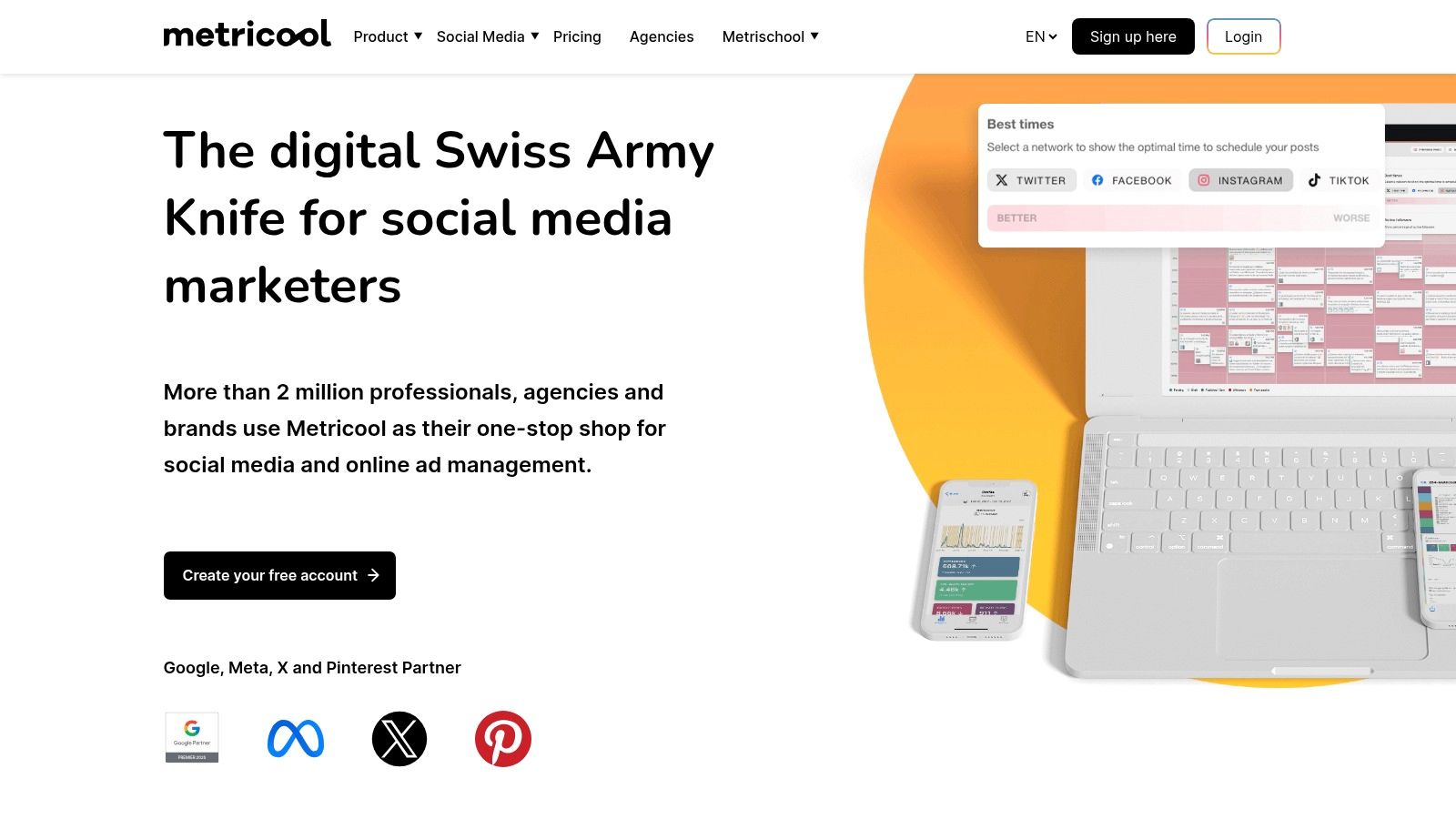
The free tier supports one brand, which includes a single profile for Instagram and other major social networks. This lets you centralize your core social media management activities from day one. It serves as a good entry point into more advanced social media management, offering a clear and scalable upgrade path as your needs grow.
Key Features & Use Cases
- Unified Analytics Dashboard: Track Instagram metrics like follower growth, post reach, impressions, and engagement rates over time. The dashboard visualizes this data clearly, making it easy to spot trends.
- Content Performance Tracking: Analyze individual posts to identify what resonates with your audience. You can see detailed metrics for posts, Reels, and Stories, helping you refine your content strategy.
- Basic Scheduling: The free plan includes a content scheduler. Plan and publish your Instagram posts directly from the Metricool dashboard to maintain a consistent posting schedule.
Practical Considerations
Pro-Tip: Use Metricool’s "Best Times to Post" feature, even on the free plan. It analyzes your follower activity to suggest optimal posting times, which helps maximize the initial reach and engagement of your content.
Website: https://metricool.com
5. Social Blade
Social Blade offers a different angle on Instagram analytics by focusing on public data. It lets you look up any public Instagram profile without needing to connect your own account, making it a good tool for competitive analysis and market research. The platform excels at tracking high-level growth trends, such as follower gains and losses over time.
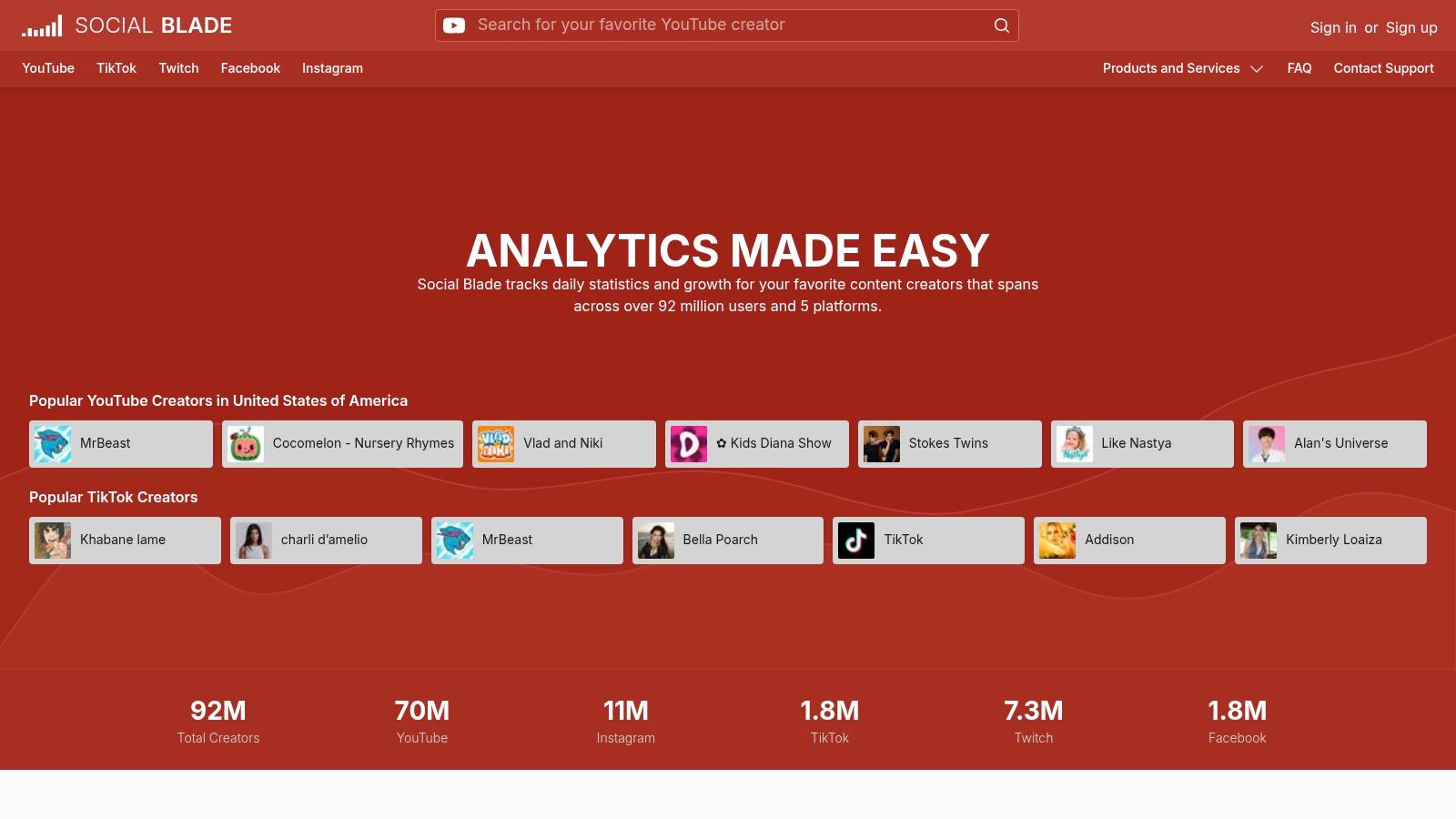
This approach makes it a fast and accessible resource for quick checks. Instead of deep analysis into your own performance metrics like engagement rates or story views, you use Social Blade to benchmark your growth against others in your niche. It is a complementary tool rather than a primary analytics platform.
Key Features & Use Cases
- Public Profile Lookups: Instantly access public statistics for any Instagram account. Use this to monitor competitor follower counts and posting frequency without needing special access.
- Growth Charts and Rankings: Visualize follower growth or decline on a daily basis with historical charts. This helps you identify trends and see how competitor accounts are performing over time.
- Top Lists and Discovery: Browse top-ranked Instagram profiles by follower count or engagement. This is useful for identifying potential influencers or partners within your industry.
Practical Considerations
Pro-Tip: Use Social Blade to track the daily follower changes of a few key competitors. If you notice a sudden spike in their followers, investigate their recent posts to see if a specific campaign or content style caused the growth.
Website: https://socialblade.com
6. Not Just Analytics
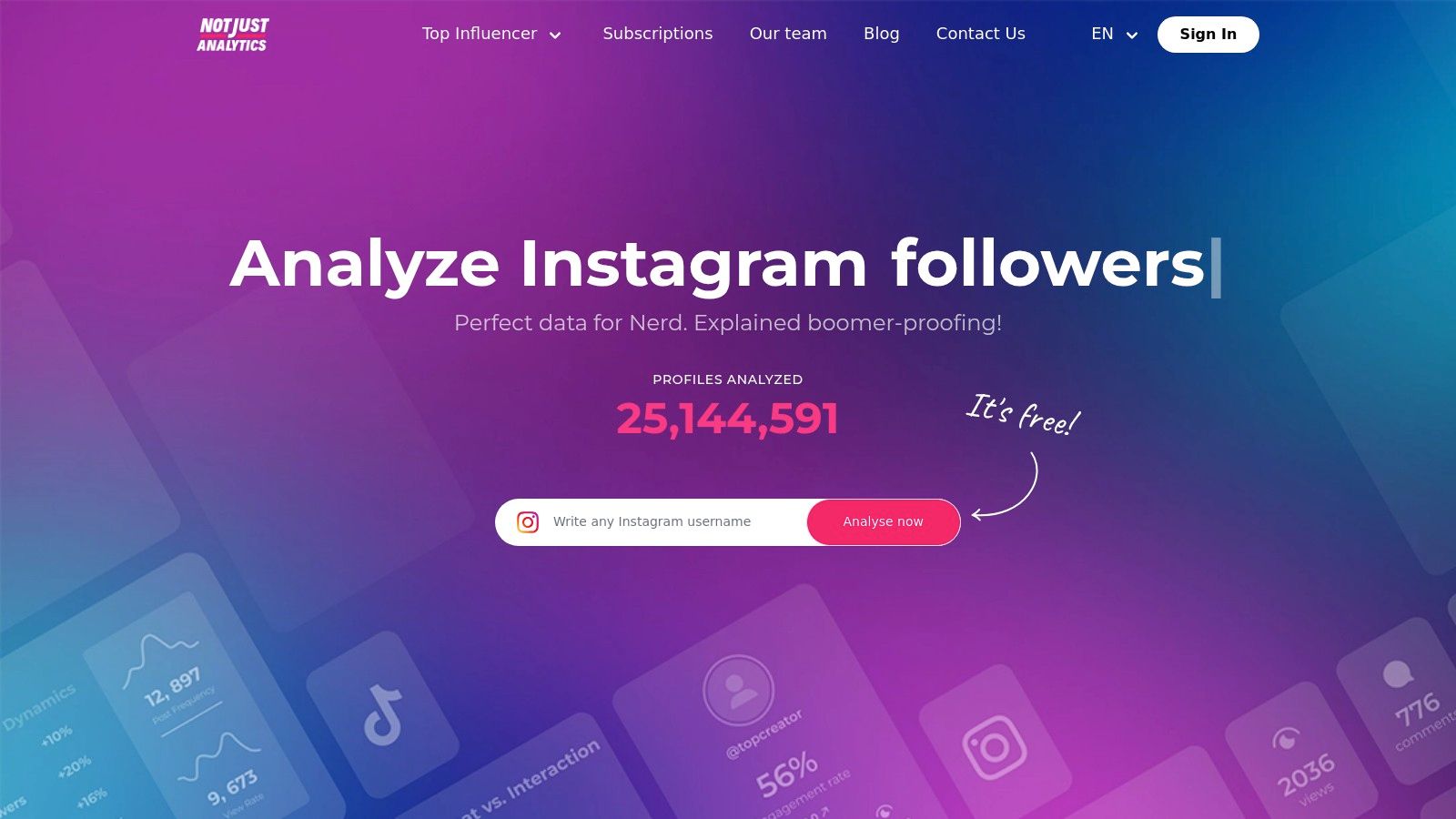
Not Just Analytics, formerly Ninjalitics, offers a streamlined approach to Instagram analytics focused on quick profile audits and growth tracking. It provides a simple way to get a snapshot of any public profile's performance, making it useful for competitor analysis or a quick check on your own account's health without complex setups. The platform positions itself as a user-friendly tool for creators and small teams.
Its main appeal is its simplicity. You can perform a basic audit on any public account by entering the username, which provides a high-level overview of engagement rates, follower growth, and content performance. This makes it a good resource for quick, on-the-fly analysis when you need immediate insights.
Key Features & Use Cases
- Profile Audits: Generate a quick, shareable report on any public Instagram profile. Use this to quickly assess a potential influencer’s engagement or analyze a competitor’s recent content strategy.
- Growth Analysis: Track follower growth over time with simple, easy-to-read charts. This helps you correlate specific content or campaigns with periods of high follower acquisition.
- Simplified Reporting: The reports are designed to be non-technical and visually clean. This is ideal for presenting performance updates to clients or team members who are not data experts.
Practical Considerations
Pro-Tip: Use the free public profile audit feature to benchmark your engagement rate against three to five direct competitors. This provides context for your performance and helps you set realistic growth targets without committing to a paid plan.
Website: https://www.notjustanalytics.com/
7. Analisa.io
Analisa.io operates on a freemium model, providing initial insights for Instagram and TikTok profiles. It excels at quick, on-the-fly analysis of any public profile or hashtag, making it a valuable tool for competitor research and content strategy inspiration. The platform's strength is its ability to offer a performance snapshot without requiring you to log in or connect an account.
This tool is useful for marketers conducting influencer vetting or analyzing hashtag effectiveness. Its free tier provides a high-level overview of an account's activity, post engagement rates, and top-performing content. While demographic and authenticity data are behind a paywall, the free lookups offer enough information to make preliminary decisions.
Key Features & Use Cases
- Public Profile Analysis: Enter any Instagram username to get an instant report on their average engagement rate, posting frequency, and top-performing posts. Use this to quickly benchmark your performance against competitors.
- Hashtag Analytics: Research any hashtag to see its usage statistics and engagement metrics. This helps you identify relevant and high-performing hashtags for your own content campaigns.
- High-Level Performance Overview: The free report gives a summary of an account's recent activity, including likes and comments per post. This is ideal for a fast assessment of a potential collaborator's engagement health.
Practical Considerations
Pro-Tip: Use the free profile lookup feature to analyze brands you admire. Identify their most successful content formats and engagement patterns, then adapt those strategies for your own account.
Website: https://analisa.io
8. Phlanx (Engagement Rate Calculator)
Phlanx offers a specialized tool that focuses on one crucial metric: the engagement rate. While not a comprehensive analytics suite, its free Engagement Rate Calculator is a no-login-required resource for quick spot-checks and competitive analysis. It provides an instant estimate of any public Instagram account's average engagement, making it ideal for influencer vetting or a fast benchmark against your competitors.
The platform's primary value is its simplicity and speed. You enter an Instagram handle, and Phlanx calculates the engagement rate based on the account's most recent public posts. This makes it an essential first step in any due diligence process before you commit to a deeper analysis or partnership.
Key Features & Use Cases
- Instant Engagement Rate Calculation: Quickly input any public Instagram username to get an estimated engagement rate. Use this for a rapid assessment of potential influencer collaborators or to gauge competitor performance.
- No Login Required: Access the basic calculator without creating an account or connecting your Instagram profile. This allows for anonymous and frictionless research.
- Benchmarking Tool: Compare your own engagement rate against others in your niche. This provides a quick snapshot of how your content performance stacks up in the market.
Practical Considerations
Pro-Tip: Use the Phlanx calculator as your initial screening tool in your influencer marketing strategy. If an influencer's engagement rate meets your baseline criteria, you can then proceed to request more detailed analytics directly from them.
Website: https://phlanx.com/engagement-calculator/
9. Hootsuite
Hootsuite is a comprehensive social media management platform known for its enterprise-level capabilities. While not a permanently free ig analytics tool, its features are accessible through a free trial, making it a valuable option for teams needing a temporary but deep analysis of their performance data. It is best suited for organizations that require robust, customizable reporting for multiple profiles.
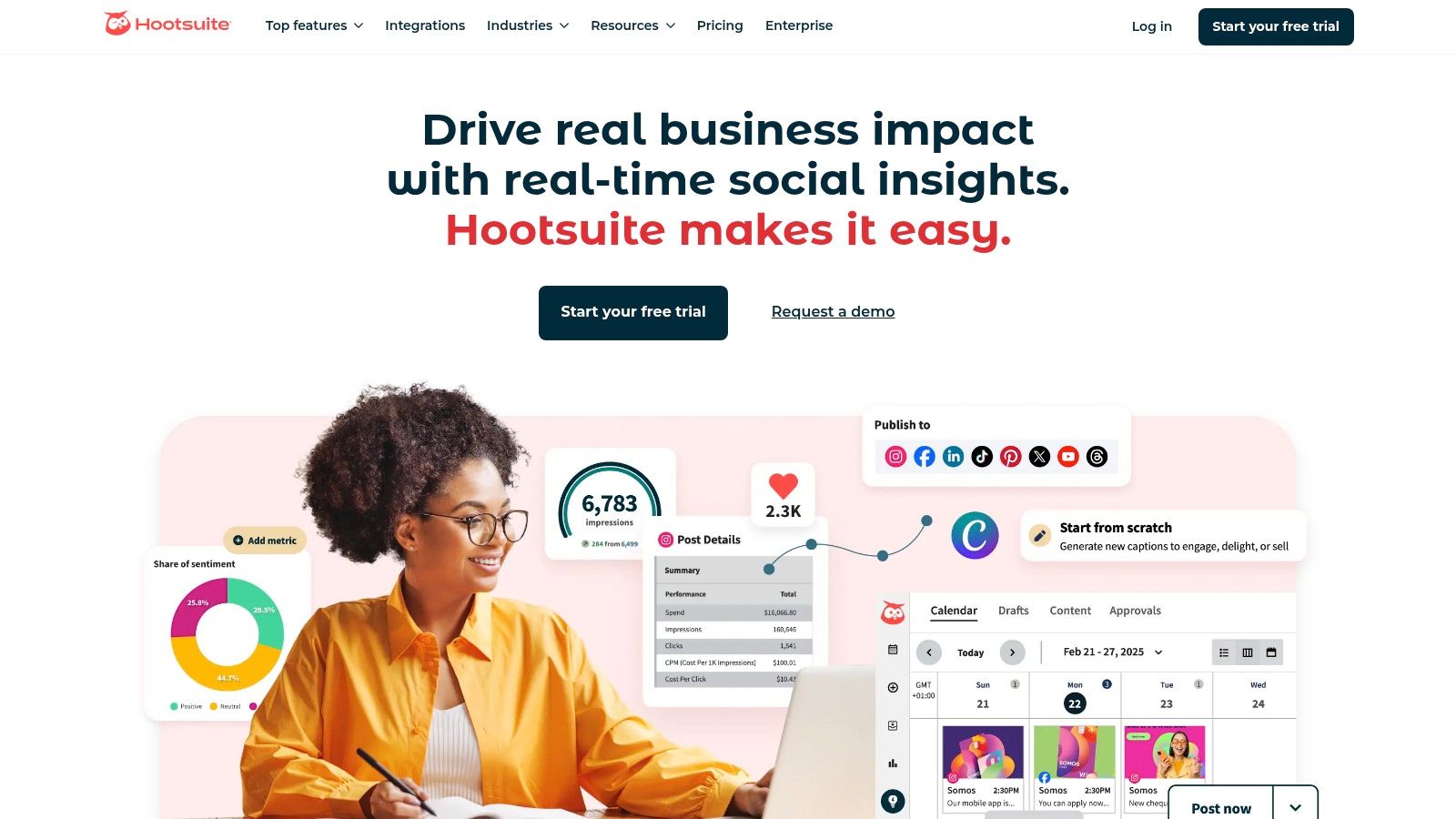
The platform excels at turning raw data into actionable insights through its advanced reporting tools. Unlike many simpler tools, Hootsuite allows you to build custom reports from scratch or use detailed templates. This flexibility is ideal for agencies and marketing teams that need to present specific KPIs to stakeholders or clients in a professional format.
Key Features & Use Cases
- Customizable Analytics: Build and share custom reports tailored to your specific goals. You can track metrics like follower growth, engagement rates, and video views over custom time periods.
- Competitor Benchmarking: Analyze your performance against competitors on Instagram. Use this feature to identify gaps in your strategy and find opportunities based on what works for others in your industry.
- Best Time to Post Recommendations: The platform analyzes your audience's activity patterns to suggest optimal posting times. This helps you maximize reach and engagement for your content.
Practical Considerations
Pro-Tip: Use the free trial period strategically before a major campaign launch or quarterly review. You can generate in-depth competitor benchmarks and performance reports to inform your strategy without committing to a long-term plan.
Website: https://www.hootsuite.com
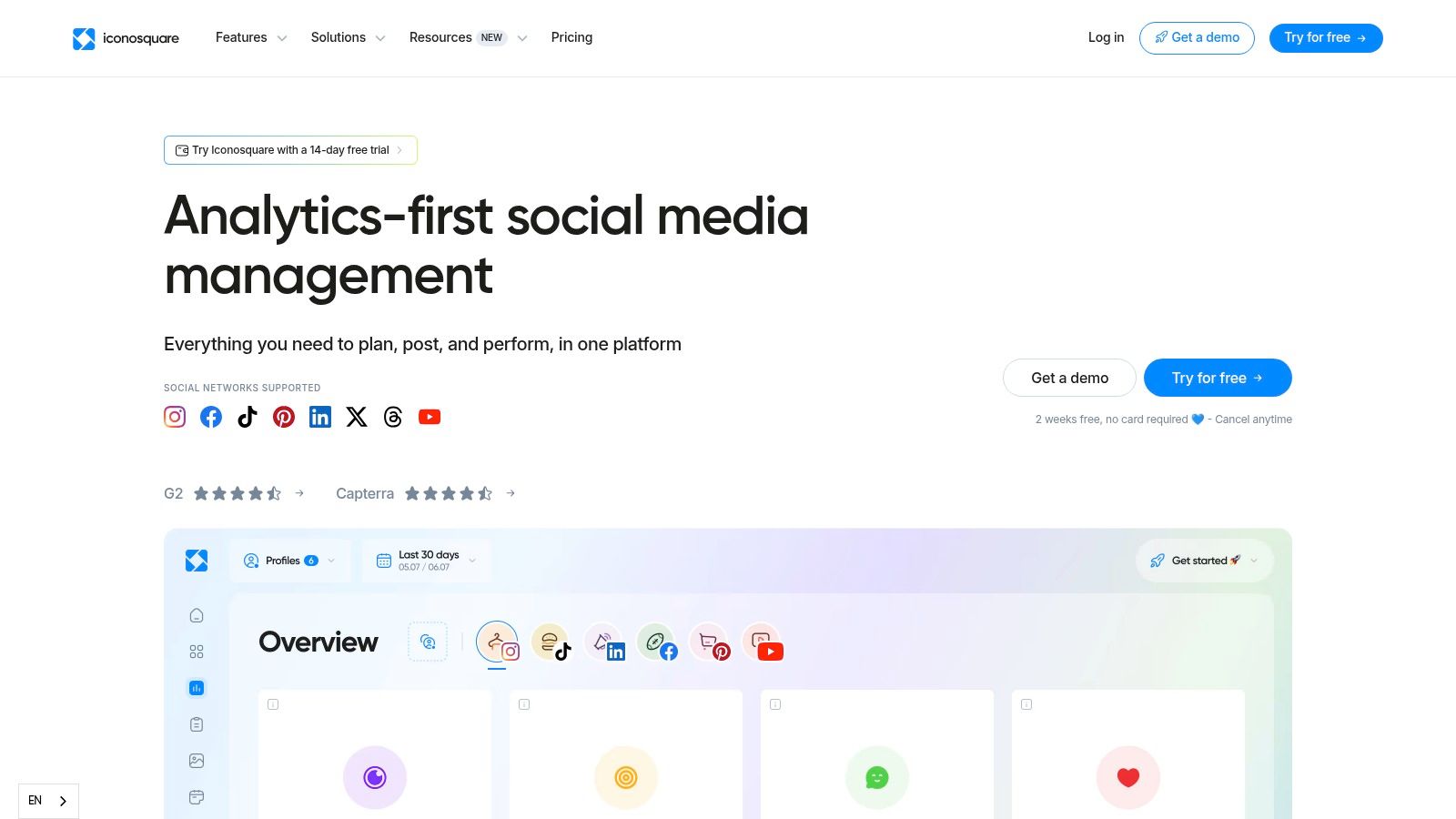
10. Iconosquare
Iconosquare is an analytics-first platform known for its in-depth reporting capabilities, making it a favorite among agencies and established brands. While it is a paid service, its comprehensive 14-day free trial lands it on this list, offering a way to conduct a deep analysis of your Instagram performance without an initial commitment. This trial provides access to professional-grade tools that go beyond basic metrics.
The platform excels at translating complex data into clear, actionable reports. Its interface is designed for marketers who need to track performance over time, benchmark against competitors, and justify their social media strategy with solid data. It's a good option if you need to test a robust analytics tool before investing in one.
Key Features & Use Cases
- Advanced Analytics & Reporting: Generate and export detailed PDF or CSV reports covering follower growth, engagement rates, reach history, and individual post performance. This is ideal for client presentations or internal monthly reviews.
- Best-Time-to-Post Recommendations: The tool analyzes your past engagement to suggest the optimal times to publish content for maximum visibility. Use these suggestions to refine your posting schedule for better results.
- Competitor and Hashtag Tracking: Monitor competitor accounts and specific hashtags to understand industry trends and benchmark your performance. This feature helps you identify content opportunities.
Practical Considerations
Pro-Tip: Maximize the 14-day trial period by planning a comprehensive audit of your Instagram account. Export all available reports on follower growth, content performance, and competitor analysis before the trial ends to retain valuable historical data and insights.
Website: https://www.iconosquare.com
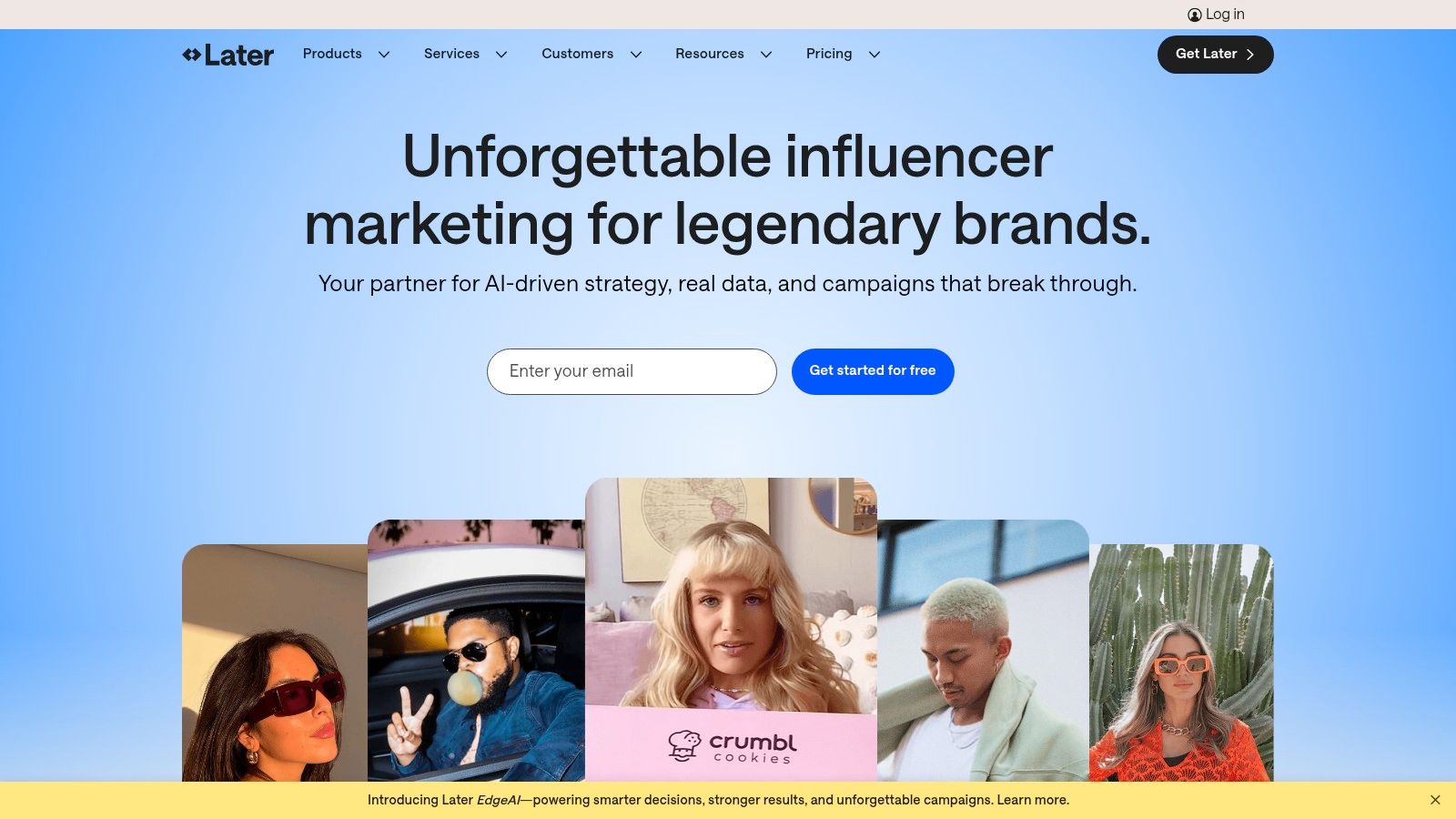
11. Later
Later is primarily known as a content scheduling platform, but it includes a robust analytics suite that provides valuable insights into your Instagram performance. While not a permanently free ig analytics tool, its 14-day free trial offers a comprehensive look at what a paid analytics solution can provide. It's an excellent choice for creators and small teams wanting to test a premium tool before committing.
The platform's clean interface makes it easy to navigate and understand your data, even if you are new to Instagram analytics. Later is strong in visualizing your content performance, helping you quickly identify which posts, Reels, and Stories are resonating most with your audience.
Key Features & Use Cases
- Post Performance Analytics: Track key metrics for individual posts, including reach, impressions, engagement rate, and saves. Use this data to replicate successful content formats and themes.
- Audience Growth Tracking: Monitor your follower growth over time and identify specific content that led to follower spikes. This helps you understand what content attracts new followers.
- Best Time to Post: Later analyzes your audience's activity and suggests the optimal times to schedule your content for maximum visibility and engagement.
Practical Considerations
Pro-Tip: Maximize the 14-day free trial by connecting your account during a critical campaign period. This allows you to gather in-depth performance data and generate a comprehensive report to inform your strategy, even if you do not continue with a paid plan.
Website: https://later.com
12. Rival IQ
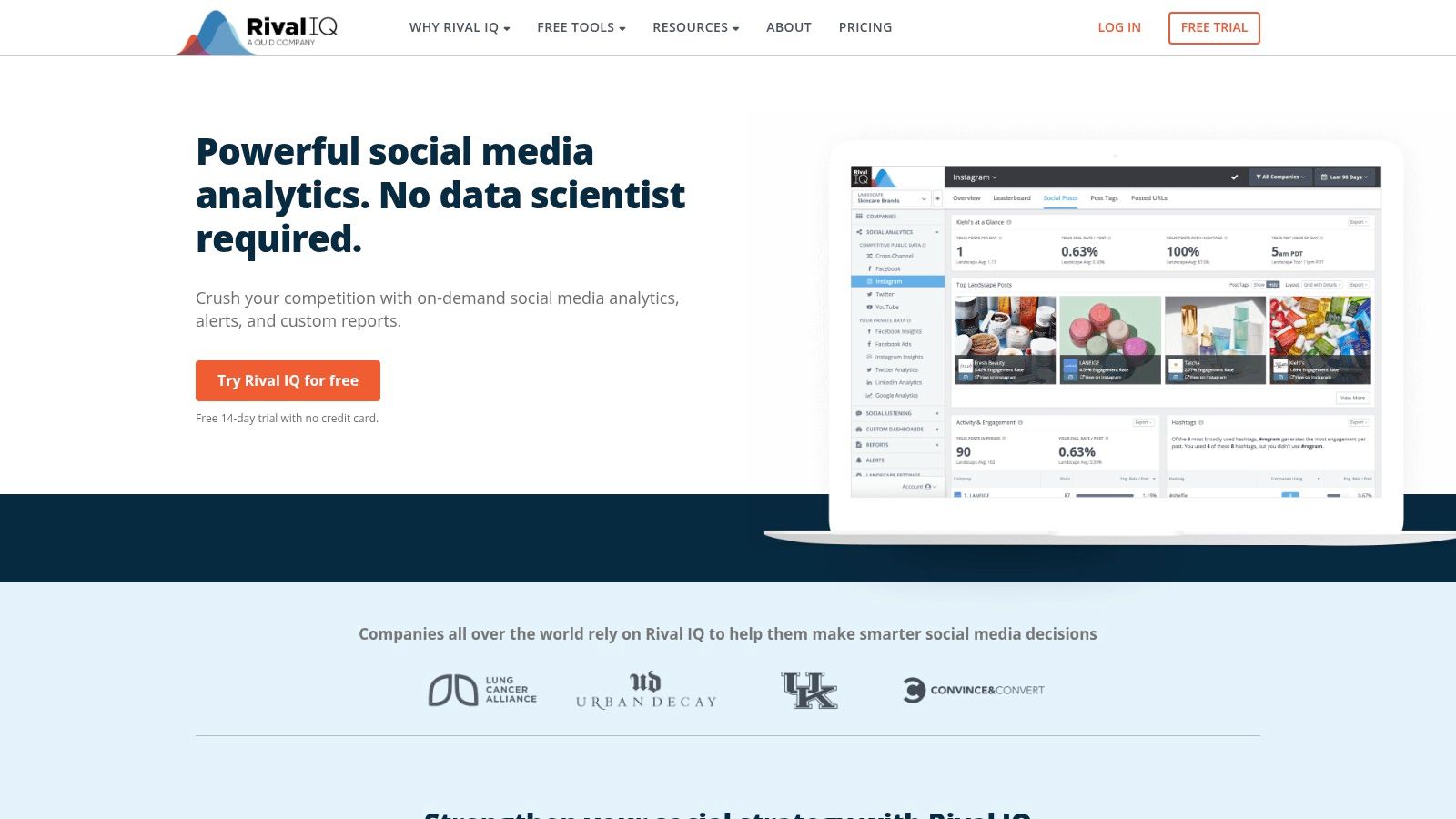
While not permanently free, Rival IQ earns its spot on this list with a 14-day free trial that provides immense value, especially for competitive analysis. This platform is designed for agencies and brands that need to benchmark their performance against others in their industry. It moves beyond simple account metrics to offer crucial market context.
Rival IQ's strength is its ability to track your competitors’ public data, analyzing their content strategy, engagement rates, and follower growth. When you connect your own Instagram Business profile, you also get private data reporting, creating a comprehensive view of where you stand in your market.
Key Features & Use Cases
- Competitive Benchmarking: Automatically track and compare your key metrics like engagement rate, posting frequency, and follower growth against a set of competitors you define. This helps you set realistic performance goals.
- Content Analysis: Identify top-performing posts, hashtags, and content formats from your competitors. Use this intelligence to find content gaps and opportunities for your own strategy.
- Scheduled Reports: Automate and schedule detailed performance reports to be sent directly to your inbox or a client's. The trial period is perfect for generating a deep-dive competitive audit.
Practical Considerations
Pro-Tip: Maximize the 14-day free trial by setting up a comprehensive competitive landscape on day one. Run and export every possible report before the trial ends to get a valuable snapshot of your market position that you can analyze for months.
Website: https://www.rivaliq.com
Free IG Analytics — 12 Tools Compared
Choosing the Right Analytics Tool for Your Goals
You have explored a dozen options for free IG analytics, each with unique strengths and limitations. The path forward is not about finding one perfect tool. It is about selecting the right combination of tools that aligns with your marketing objectives and workflow. Your choice will dictate how you measure success, understand your audience, and refine your content strategy.
Matching Your Needs to the Right Tool
Making the correct selection requires an assessment of your immediate needs. You must define what data points are most critical for your business right now.
- For Everyday Content Performance: If you need to track the performance of your daily posts, Stories, and Reels, start with the native Instagram Insights. It provides the most immediate, accurate, and fundamental data directly from the source. It is the essential baseline for any Instagram strategy.
- For Centralized Management: If your workflow includes managing both Instagram and Facebook, Meta Business Suite is the logical choice. It consolidates your data, scheduling, and community management into a single, no-cost dashboard. This is ideal for small teams or solo marketers who need efficiency.
- For Basic Scheduling and Reporting: Marketers looking for a simple, all-in-one solution for light scheduling and analytics should consider the free tiers of Buffer or Metricool. These platforms give you a taste of integrated social media management without a financial commitment.
- For Quick Competitor and Influencer Analysis: When your goal is to gauge a competitor’s reach or an influencer's engagement rate, public-facing tools are invaluable. Social Blade offers a high-level look at follower growth trends, while Phlanx provides a near-instant engagement rate calculation. These are your go-to resources for rapid market research.
A Strategic Approach to Implementation
Choosing a tool is only the first step. Effective implementation is what turns data into decisions. Start by focusing on one or two key performance indicators (KPIs). Trying to track every available metric from the beginning leads to analysis paralysis.
For example, an e-commerce brand might prioritize reach and website clicks to measure brand awareness and conversion potential. A SaaS business might focus on shares and saves to gauge content value and audience interest. Define your primary goals first, then select the tool that reports on those metrics most effectively.
Remember that "free" often comes with constraints, such as limited historical data or basic reporting features. Use these free tools to establish your analytics foundation. Once you consistently hit the limitations of a free plan and can justify the need for more granular data, you will have a clear business case for upgrading. The knowledge you gain from mastering these free IG analytics platforms will make any future investment in a paid tool more strategic. Your journey into data-driven social media marketing starts with these foundational resources.
Ready to turn your analytics into high-performing ad campaigns? Adworkly combines creative strategy with data-backed media buying to scale your brand on Instagram and other social platforms. Visit Adworkly to see how we transform insights into revenue.